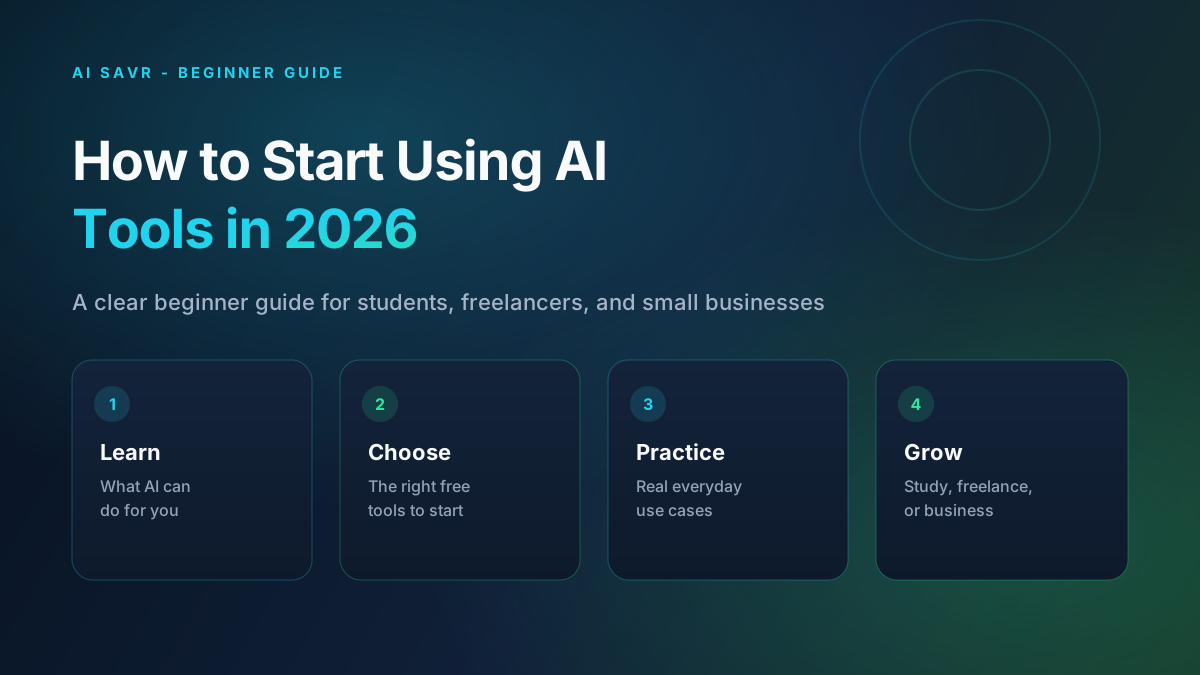
Many people hear about AI every day, but still feel unsure where to start. Some think AI is only for programmers. Others try one tool, get confused, and stop.
This guide will make AI simple for you. By the end, you will know what AI is, which free tools to start with, and how to use them for study, freelancing, or small business work.
What Is AI in Simple Words?
AI means Artificial Intelligence. In simple words, AI is software that can understand your words and help you create useful work.
You can ask AI to write an email, explain a topic, make a study summary, create a design idea, or help you plan a business post. You give clear instructions, and AI gives a useful draft.
Important: AI is a helper, not a replacement for your thinking. You still check the answer, fix mistakes, and add your own ideas.
This matters right now because students, freelancers, and small business owners can save hours every week with free or low-cost tools.
Why AI Matters for Everyday Work
- Save time — Write proposals, captions, and study notes much faster.
- Earn more as a freelancer — Deliver better work and reply to clients with more confidence.
- Study smarter — Understand difficult topics with clear explanations.
- Grow a small business — Create social posts, product descriptions, and customer replies without hiring a big team.
Even if your budget is tight, you can start with free plans and still get strong results.
How AI Actually Helps You (The Simple Method)
Here is the easy method that works for almost every task:
- Tell AI your goal — Say exactly what you want. Example: "Write a short promotional message for a weekend clothing sale."
- Give useful details — Add audience, tone, length, and any important details (product, offer, deadline).
- Review the answer — Read it carefully. Fix facts, names, prices, and tone.
- Improve with one more prompt — Ask AI to make it shorter, clearer, or more professional.
- Use the final version — Send it, publish it, or add it to your work.
If your first result is weak, the problem is usually the prompt, not the tool. Clear input creates better output.
Best Free AI Tools to Start With
Start with a small set of tools. Do not install twenty apps on day one.
1. Invideo Agent
Invideo Agent helps you create complete video projects with AI by working from your ideas, scripts, references, and creative direction.
Best for: AI video creation, marketing videos, creative projects, and content production
Price: Check the latest plans and availability on the official invideo pricing page
How it helps: Turns your ideas and instructions into structured video workflows, helping you develop scenes, maintain consistency, and create videos without starting every project from scratch.
Good to know: Invideo Agent is built for creators who want more control over their videos. Instead of being only a one-click video generator, it works more like a creative collaborator that can help with multi-scene projects, references, and ongoing creative workflows.
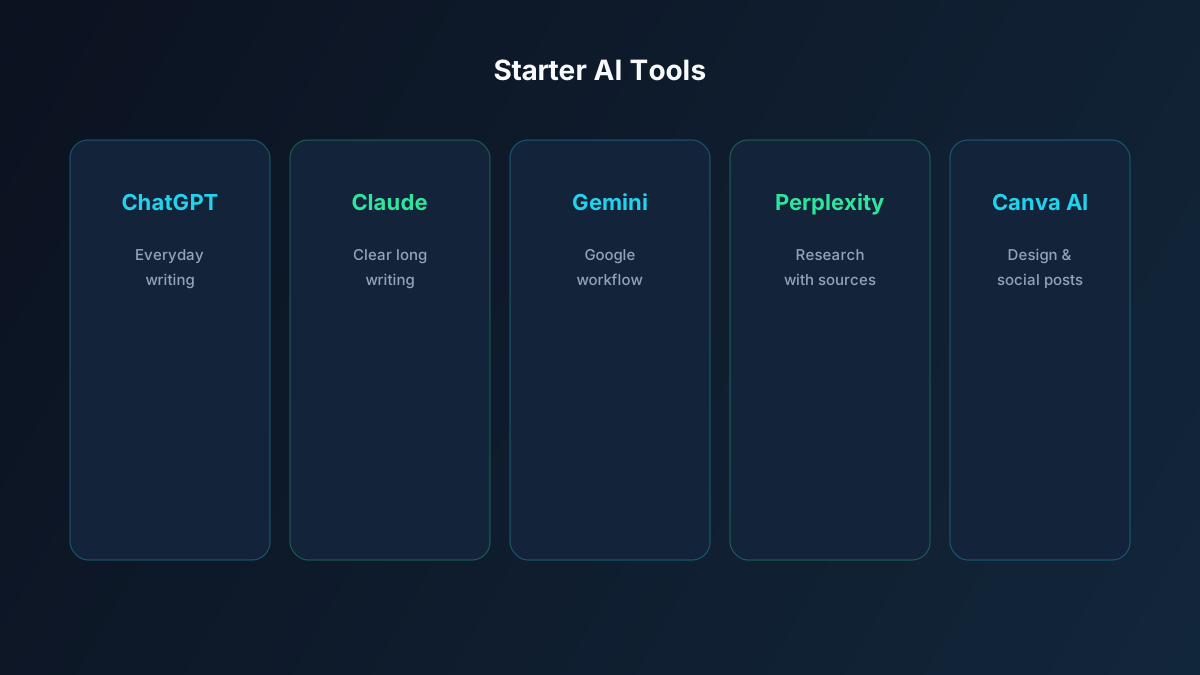
2. ChatGPT
ChatGPT is the best first tool for most beginners. You can use it for writing, brainstorming, study help, emails, and planning.
Best for: Everyday writing and ideas
Price: Free plan available
How it helps: Gives you a fast first draft so you do not start from zero
Good to know: Always rewrite important parts in your own words, especially for school or client work
3. Claude
Claude is excellent when you need clear, natural writing and careful explanations.
Best for: Long writing, editing, and detailed answers
Price: Free plan available
How it helps: Makes content easier to read and more polished
Good to know: Great for improving weak drafts from other tools
4. Gemini
Gemini is useful if you already use Google tools like Docs, Gmail, or Drive.
Best for: Research-style questions and Google workflow users
Price: Free plan available
How it helps: Helps you gather ideas and draft content quickly
Good to know: Double-check important facts before using them in assignments or client work
5. Perplexity
Perplexity is strong for research because it gives answers with sources.
Best for: Study research and market research
Price: Free plan available
How it helps: Helps you find information faster with links you can check
Good to know: Better than guessing facts from a normal chatbot
6. Canva AI
Canva AI helps you create posts, thumbnails, presentations, and simple designs.
Best for: Social media and visual content
Price: Free plan available
How it helps: Lets non-designers create clean graphics quickly
Good to know: Perfect for Instagram, Facebook, LinkedIn, and other social creatives
Step-by-Step: How to Start Today
Follow these steps one by one. Do not skip ahead.
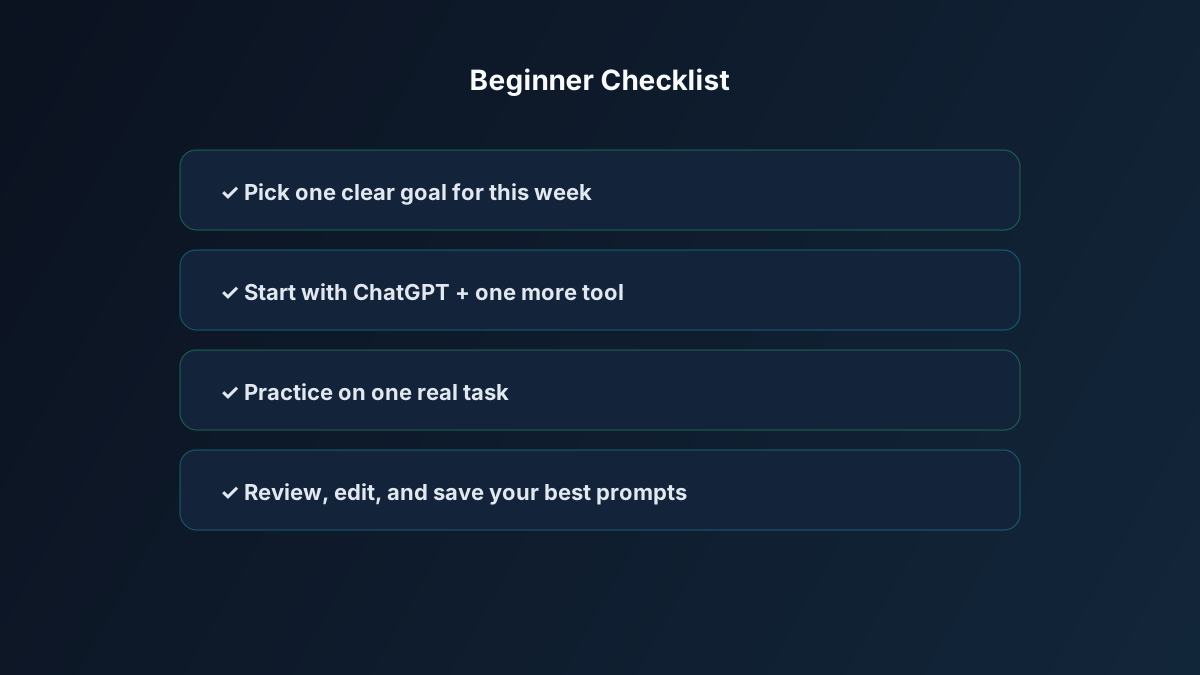
Step 1: Pick one goal
Choose only one goal for your first week:
- Student: understand one subject better
- Freelancer: write better proposals
- Business owner: create better product posts
A clear goal keeps you focused.
Step 2: Make free accounts for 2 tools
Start with ChatGPT and one more tool based on your goal:
- Writing/study: Claude or Perplexity
- Design/posts: Canva AI
Two tools are enough at the beginning.
Step 3: Practice with one real task
Use a real task from your life, not a random test.
Example prompt:
"I am a university student. Explain photosynthesis in simple English for a beginner. Use short paragraphs and give one daily-life example."
Step 4: Improve the result
Ask a follow-up:
"Make this shorter and easier. Keep the example. Add 5 revision points for my exam."
Step 5: Save your best prompts
Keep a notes file of prompts that worked well. This becomes your personal AI toolkit.
Real Examples Anyone Can Use
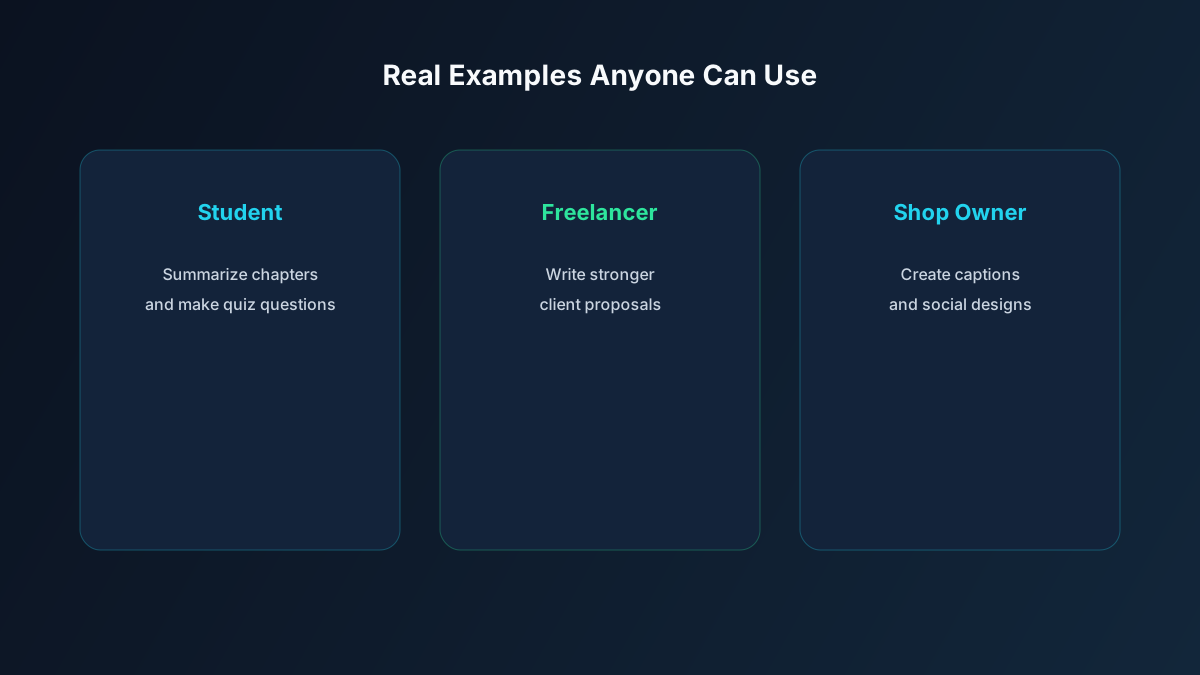
Example 1: University student
Situation: You have a long chapter and little time before a quiz.
What to do: Ask Perplexity for a clear summary with sources, then ask ChatGPT for 10 practice questions.
Why this works: You learn faster and check the information.
Result: Better revision in less time.
Example 2: Freelancer looking for clients
Situation: You need a strong proposal for a content writing job.
What to do: Ask Claude to draft a proposal using your skills, then edit it with your real experience.
Why this works: Your proposal becomes clear, professional, and personal.
Result: Higher chance of client replies.
Example 3: Small online shop owner
Situation: You need daily social media posts, but you have no content writer.
What to do: Ask ChatGPT for 7 sale captions, then design posts in Canva AI.
Why this works: You get words and design in one simple workflow.
Result: Regular posting without hiring a full marketing team.
Common Mistakes to Avoid
These mistakes waste time. Avoid them early.
- Using AI with unclear prompts — Weak input creates weak output. → Do this instead: write your goal, audience, and details clearly.
- Copying AI text without checking — AI can make mistakes. → Do this instead: always review facts, names, prices, and grammar.
- Trying too many tools at once — This creates confusion. → Do this instead: master 2 tools first.
- Expecting perfect results instantly — Good results come from practice. → Do this instead: improve each answer with one clear follow-up prompt.
- Ignoring your own voice — Pure AI writing can sound generic. → Do this instead: add your style, examples, and real experience.
Quick Comparison Table
| Tool | Best For | Difficulty | Cost | Beginner Tip |
|---|---|---|---|---|
| ChatGPT | Everyday writing and ideas | Easy | Free plan | Start here if you are new |
| Claude | Clear long writing and editing | Easy | Free plan | Great for proposals and blogs |
| Gemini | Google users and quick research | Easy | Free plan | Useful with Gmail and Docs |
| Perplexity | Research with sources | Easy | Free plan | Best for study and fact checks |
| Canva AI | Posts and simple designs | Easy | Free plan | Ideal for social media creatives |
Tips That Actually Help
- Write prompts like instructions to a junior assistant — Be clear about task, tone, and length.
- Add useful context — Audience, goal, and key details improve results.
- Ask for structure — Request headings, bullets, or steps so the answer is easy to use.
- Always do a final human edit — Your judgment makes the work trustworthy.
- Track your time saved — Notice what used to take 1 hour and now takes 15 minutes. This keeps you motivated.
FAQ
Do I need coding skills to use AI tools?
No. Most beginner tools are chat-based. If you can type a clear message, you can learn AI tools.
Are free AI tools enough at the start?
Yes. Free plans of ChatGPT, Claude, Perplexity, and Canva AI are enough for learning and early freelancing or business work.
Can AI help me earn money?
Yes, if you use it for real services: content writing, social media posts, research help, basic design, or client communication. AI helps you work faster. Your skill and reliability still win the client.
Should students use AI for assignments?
Use AI to understand topics, make outlines, and practice questions. Do not submit pure AI work as your own if your school or university does not allow it. Learn with AI. Do not cheat with AI.
Is this guide useful for complete beginners?
Yes. This guide uses simple English, free tools, and clear examples. You can start today with one goal and two tools.
The Bottom Line
Starting with AI does not require a big budget or a technical degree. You only need one clear goal, two good tools, and daily practice.
Begin today with ChatGPT and one support tool like Perplexity or Canva AI. Complete one real task this week. That single win will teach you more than ten random videos.
For more tool options, explore our AI tools directory and related guides like Top AI Tools Every Freelancer Needs in 2026 and Best AI Tools for Students in 2026.