Your resume gets about 7 seconds of human attention and even less from AI screening systems. In 2026, the smartest job seekers use AI to build resumes that pass both filters.
Here are the best AI resume tools and how to use them effectively.
Top AI Resume Builders
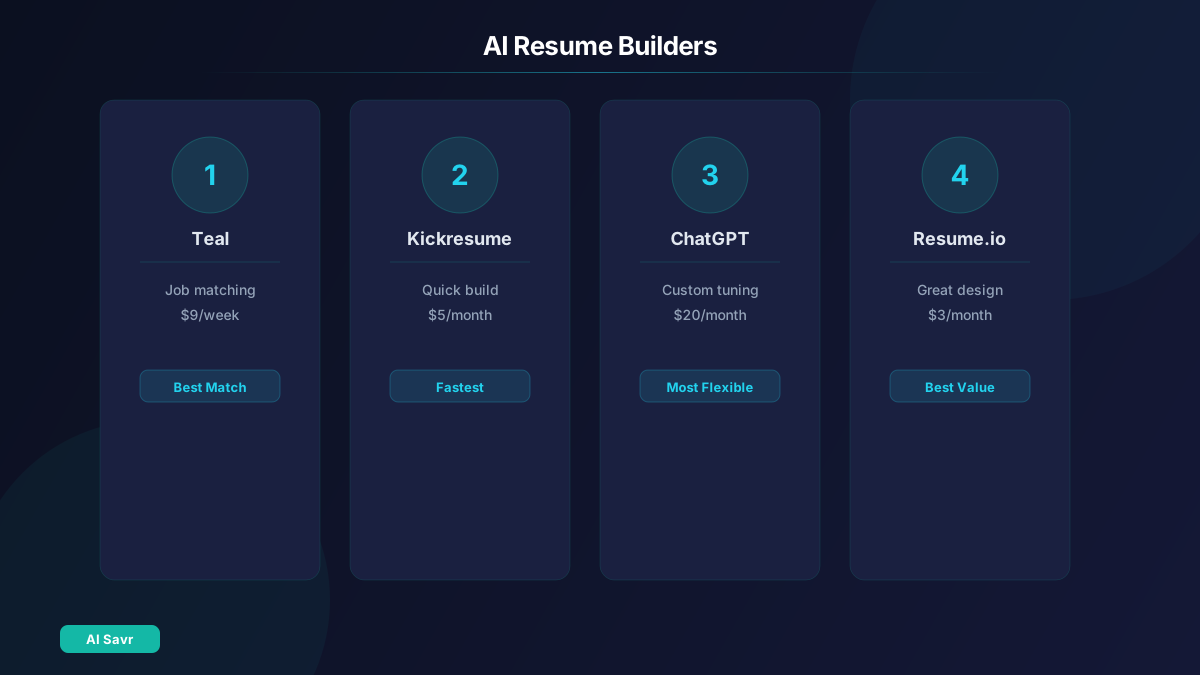
1. Teal
Teal is purpose-built for job seekers. It analyzes job descriptions, matches your experience, and generates tailored resumes for each application.
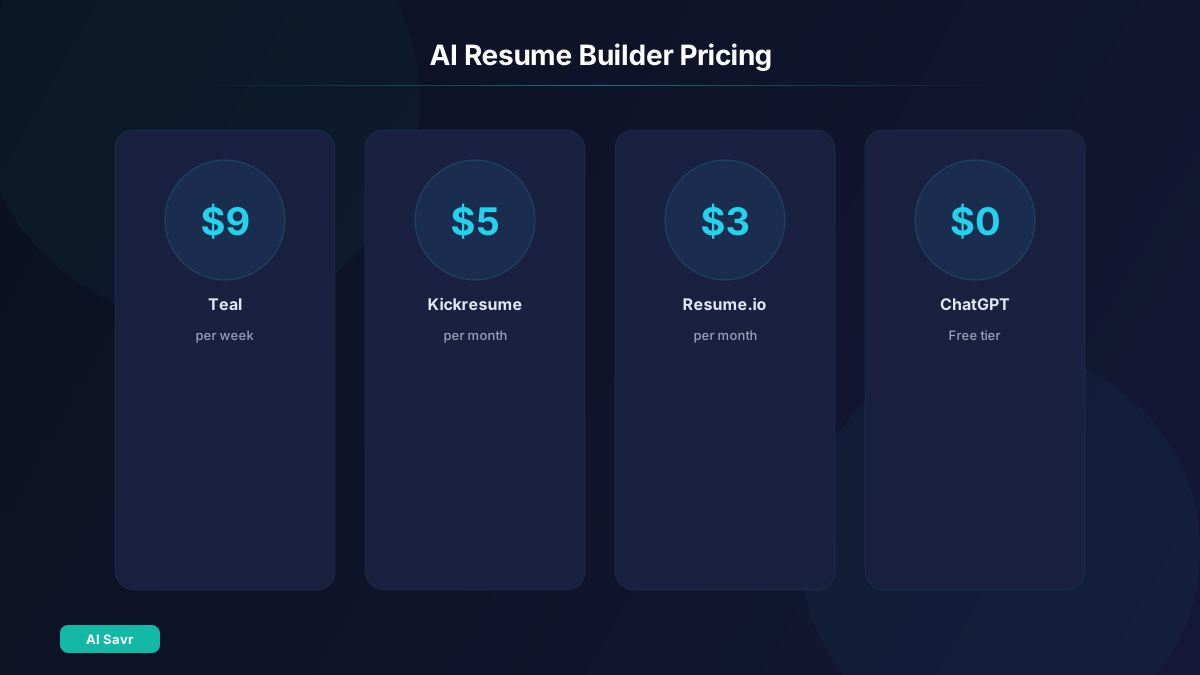
Best for: Active job seekers applying to multiple positions Key feature: Job description matching score with specific improvement suggestions Pricing: Free tier, Pro from $9/week
2. Kickresume
Kickresume uses AI to generate complete resumes from your LinkedIn profile or a brief work history. Professional templates included.
Best for: Quick resume creation from scratch Key feature: One-click LinkedIn import with AI enhancement Pricing: Free tier, Premium from $5/month
3. Resume.io
Resume.io combines professional templates with AI content suggestions. Clean, ATS-friendly formatting across all templates.
Best for: Design-conscious professionals Key feature: Pre-written bullet points by industry, refined by AI Pricing: From $2.95/month
4. ChatGPT for Resume Writing
ChatGPT is surprisingly powerful for resume optimization:
"Review my resume against this job description. Score each bullet point for relevance and suggest improvements. Focus on quantifiable achievements."
Best for: Custom optimization and creative phrasing Key feature: Unlimited iterations with context-aware suggestions Pricing: Free to $20/month

ATS Optimization Guide
Applicant Tracking Systems filter resumes before humans see them. Here is how AI helps you pass:
Keyword Matching:
- Copy the job description into ChatGPT and ask it to extract the top 15 keywords
- Verify these keywords appear in your resume naturally
- Do not keyword-stuff. Use them in context within achievement statements
Formatting Rules:
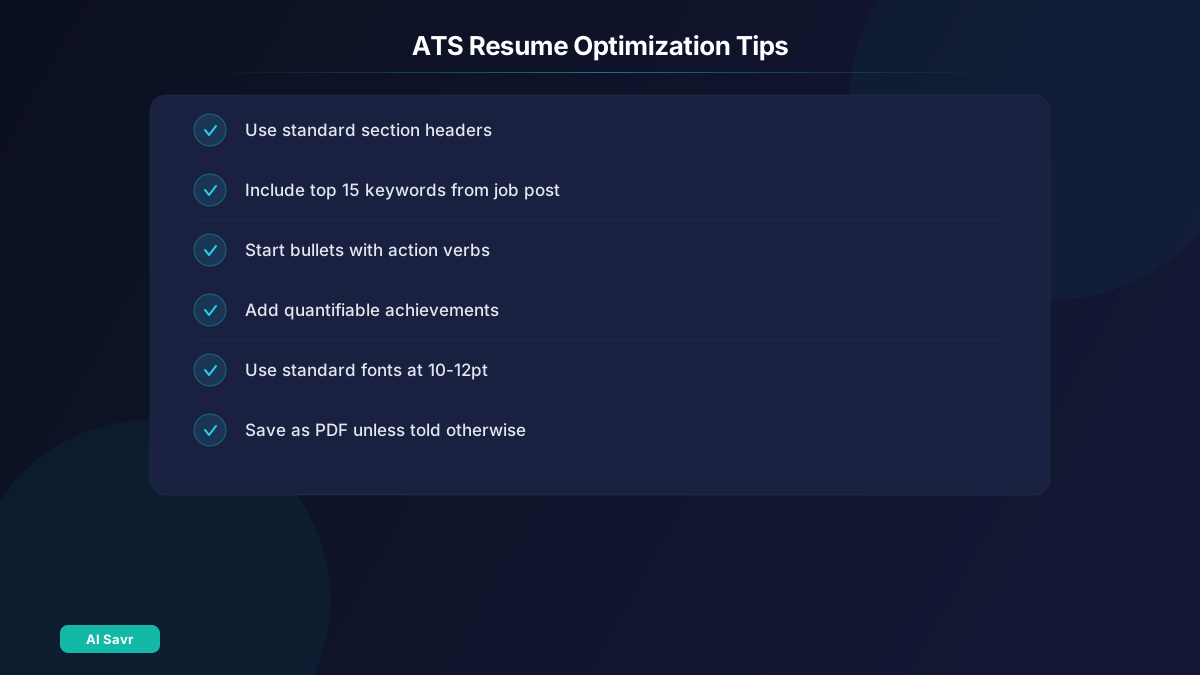
- Use standard section headers: Experience, Education, Skills
- Avoid tables, columns, headers/footers, and graphics
- Use standard fonts at 10-12pt
- Save as PDF unless the application requests .docx
Content Optimization:
- Start every bullet with a strong action verb
- Include numbers: percentages, dollar amounts, team sizes
- Tailor the top 3 bullet points per role to match the job description
Cover Letters with AI
Claude writes excellent cover letters because it handles nuanced, professional writing well:
"Write a cover letter for this role at [Company]. Use my resume below. Tone: professional but warm, not generic. Mention 2 specific reasons I want to work at this company."
LinkedIn Profile Optimization
AI can also upgrade your LinkedIn profile:
- ChatGPT rewrites your headline, summary, and experience sections
- Grammarly catches tone and grammar issues
- Use Claude to generate a compelling "About" section
Resume Mistakes AI Can Catch
- Generic bullets that do not show impact
- Missing keywords from the target job description
- Inconsistent formatting and tense usage
- Too much jargon or not enough industry-specific terms
- Weak opening summary that does not hook the reader
Quick Start Guide
- Import your LinkedIn profile or existing resume into an AI resume builder
- Pick 3 target job descriptions
- Use AI to tailor your resume for each one
- Score your resume against each job description (Teal does this automatically)
- Generate a custom cover letter for your top choice
- Have Grammarly do a final check
Related Resources
The Bottom Line
AI resume builders do not replace your experience. They present it better. Use Teal or Kickresume for structure, ChatGPT for optimization, and Claude for cover letters. The combination gets you past ATS filters and into more interviews.