AI agents are everywhere in 2026. Every tool says it can run your business while you sleep. Most of that is noise.
What actually matters is simple: which agent can complete real business tasks with high reliability, low supervision, and reasonable cost.
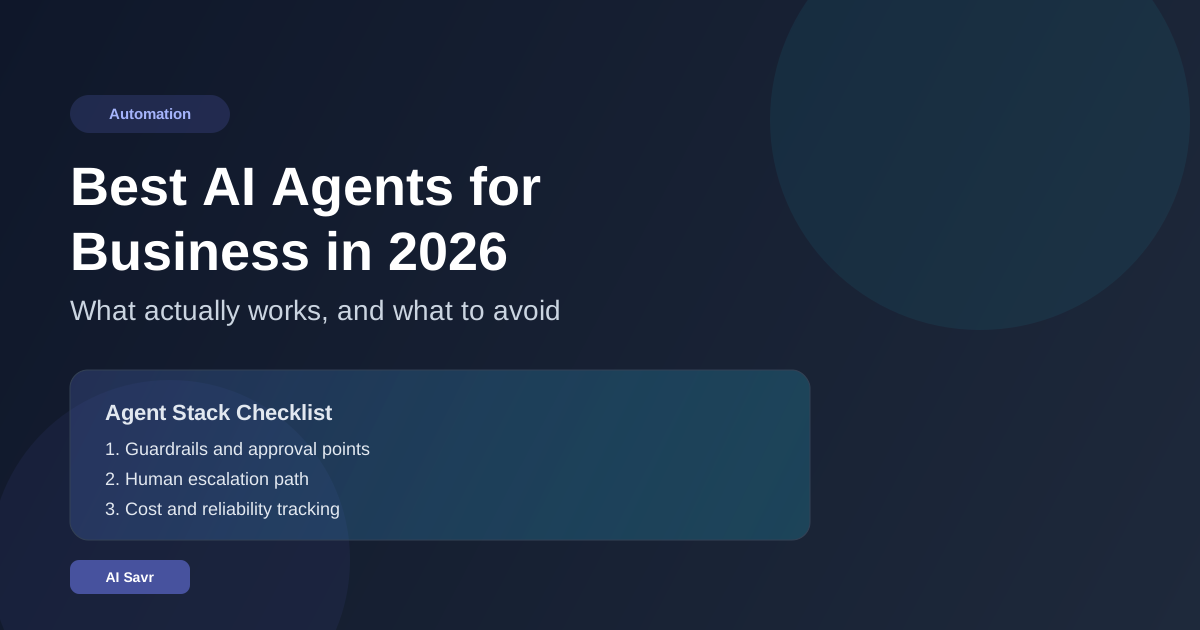
If you are building your stack right now, start with this shortlist:
Quick Summary
- Best all-round business agent stack: OpenAI-style operator workflows with clear guardrails
- Best writing and policy-heavy workflows: Claude-based agents
- Best Google-native workflows: Gemini agents with Workspace integration
- Best automation and integrations: n8n AI agents
- Best budget option: hybrid low-code workflow using free tiers and scheduled automations
What Is an AI Agent in Business Terms?
An AI agent is not just a chatbot. A business agent should:
- read context from your tools
- decide next steps
- use tools to perform actions
- verify outcomes
- escalate when confidence is low
If your setup only generates text and still needs you to do every click, that is an assistant, not an agent.
The 5 Agent Setups That Actually Work
1. OpenAI-style Operator Workflows
Best for:
- competitor monitoring
- quote drafting
- support triage
- weekly executive summaries
Strengths:
- good planning for multi-step jobs
- solid tool-use behavior
- strong coding and data handling
Weaknesses:
- can over-execute without strict limits
- needs clear approval checkpoints
2. Claude Agent Workflows
Best for:
- legal and policy drafts
- long report synthesis
- client communication workflows
- quality review pipelines
3. Gemini Agent Workflows
Best for:
- email and calendar operations
- document analysis and routing
- lightweight research and briefing
4. n8n AI Agents
Best for:
- lead enrichment pipelines
- invoice and operations workflows
- support ticket routing
- marketing content repurposing
5. Hybrid Agent Stack
A smart setup looks like:
- one reasoning model for planning
- one workflow engine for actions
- one fallback escalation to humans
This gives better uptime and lower risk.
Real Business Workflows You Can Launch This Week
Workflow 1: Sales Inbox Qualifier
- Trigger: new inbound lead email
- Agent action: classify fit, budget signal, urgency
- Output: CRM update and suggested reply draft
- Human check: approve before send for hot leads
Workflow 2: Weekly Market Intel
- Trigger: Friday 8 AM
- Agent action: collect competitor changes and pricing updates
- Output: one-page brief in Notion or Google Doc
- Human check: quick approval before team share
Workflow 3: Customer Support Router
- Trigger: new support ticket
- Agent action: classify issue, severity, and required team
- Output: assign queue and draft response
- Human check: required only for refund and billing cases
Workflow 4: Content Repurposer
- Trigger: new blog published
- Agent action: generate LinkedIn post, thread, and newsletter snippet
- Output: drafts with channel-specific formatting
- Human check: brand review before publish
Pricing Reality in 2026
Typical ranges:
- Starter stack: $20 to $80 per month
- Growing team stack: $150 to $600 per month
- Heavy automation stack: $1,000 plus per month
Cost drivers are usually:
- number of daily runs
- long context usage
- poor prompt and workflow design causing retries
You can reduce cost quickly by:
- adding better routing
- reducing unnecessary context payloads
- using cheaper models for low-risk steps
Related Resources
The Bottom Line
The best AI agent for business is not the one with the biggest demo. It is the one that consistently completes your specific workflow with low supervision and clear accountability.
Start small. Add guardrails. Keep a human escalation path. Measure outcomes weekly.
That is how AI agents move from interesting to profitable.