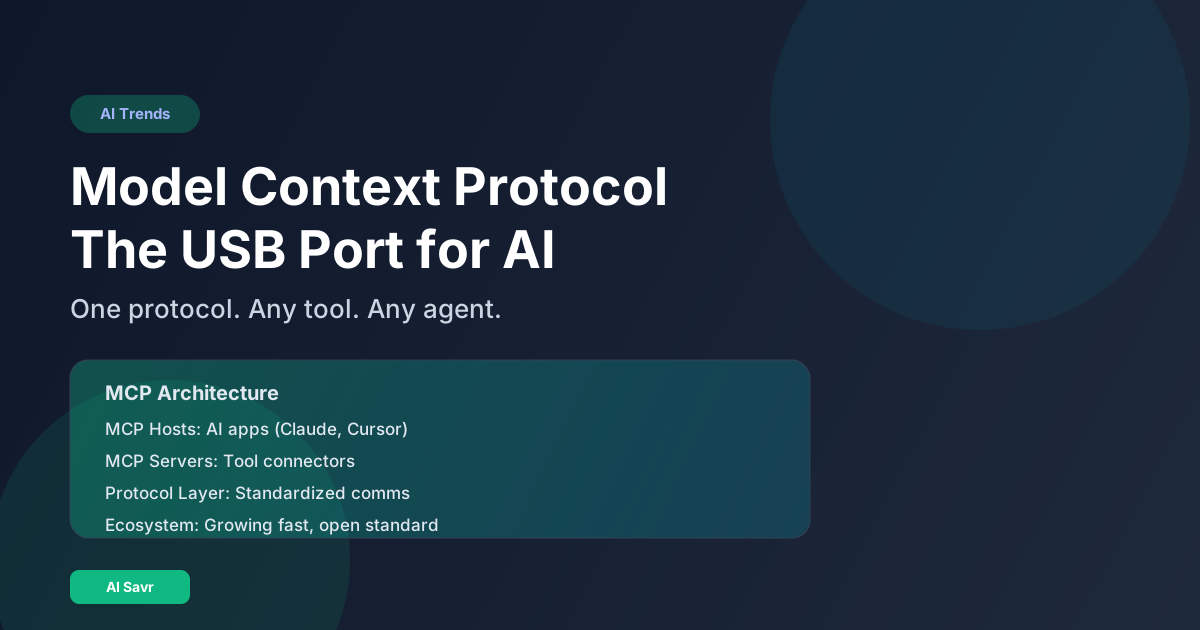
Before USB, every device had its own proprietary connector. Printers, keyboards, cameras, and phones all needed different cables. USB standardized the connection, and everything just worked. MCP is doing the same thing for AI agents.
Model Context Protocol is the open standard that lets any AI agent connect to any tool, API, or data source through a single, universal interface. It is already supported by Claude, OpenClaw, Cursor, and dozens of other platforms. Here is why it matters.
What Is MCP?
Model Context Protocol (MCP) is an open standard developed by Anthropic that provides a universal way for AI models and agents to connect to external tools, data sources, and services.
Before MCP, if you wanted an AI agent to access your database, read your files, and send emails, you needed three separate custom integrations. Each tool had its own API format, authentication method, and data structure. Developers spent more time on integration plumbing than on actual AI features.
MCP standardizes this. One protocol. One format. Any tool that speaks MCP can be used by any AI agent that supports MCP.
How MCP Works
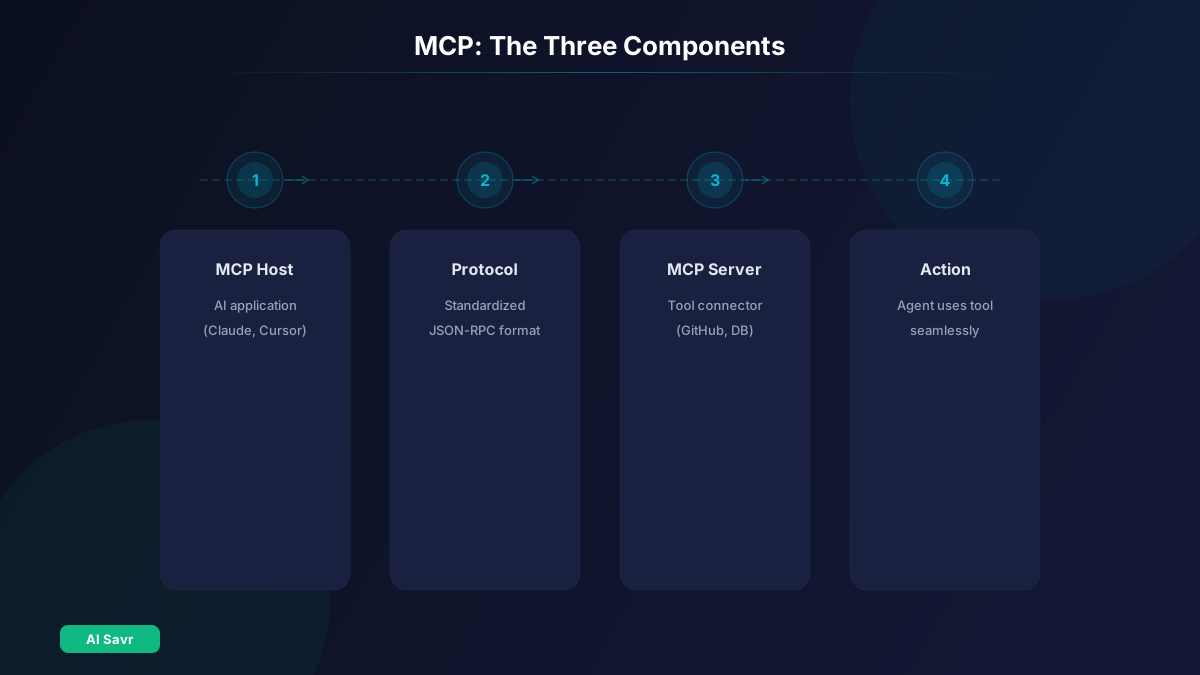
The architecture has three parts:
MCP Hosts
The AI application (Claude Desktop, Cursor, an OpenClaw instance) that wants to use external tools. The host manages connections and routes requests.
MCP Servers
Small programs that expose specific capabilities. An MCP server for GitHub provides access to repositories, issues, and pull requests. An MCP server for your database lets the AI query and update data. Each server handles one domain.
The Protocol Layer
The standardized communication format between hosts and servers. Requests, responses, and data flow through a consistent interface regardless of what is being connected.
Think of it this way: MCP servers are like USB devices (keyboard, mouse, printer). MCP hosts are like your computer's USB ports. The protocol is the USB standard that makes them all compatible.
Why MCP Matters for AI Agents
1. Universal Tool Access
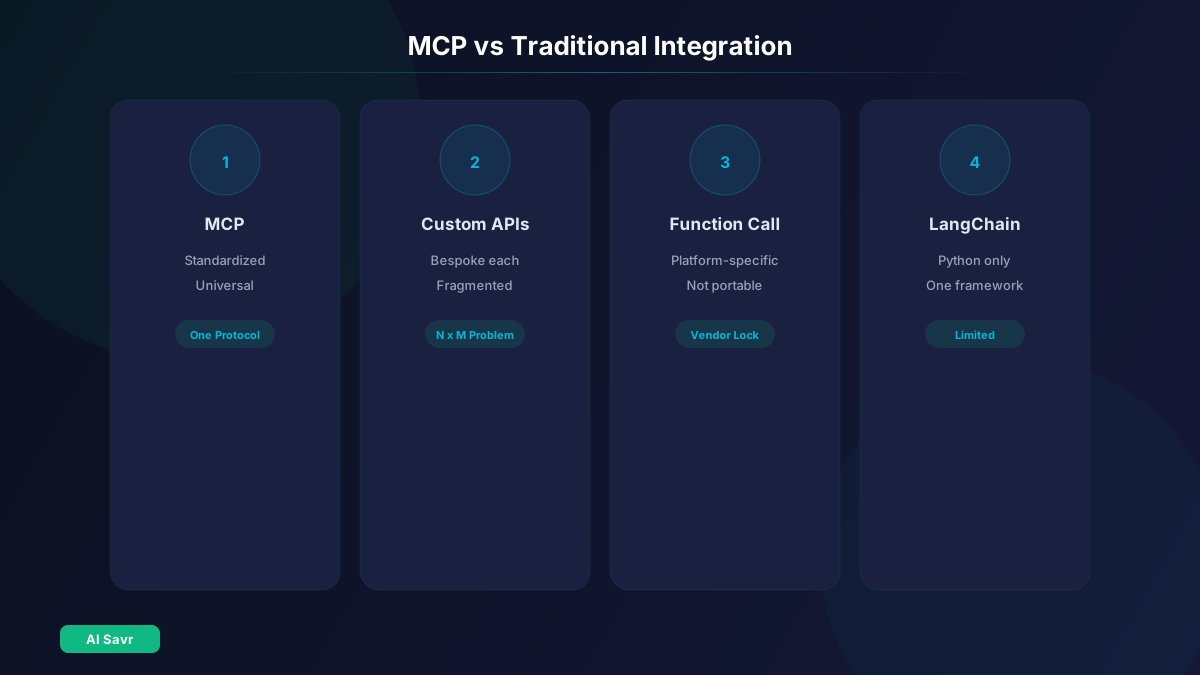
An AI agent with MCP support can use any MCP-compatible tool. Build an MCP server once, and every AI agent can use it. This eliminates the "N times M" integration problem where N agents each need custom integrations with M tools.
2. Faster Development
Developers no longer need to build custom integrations for each AI platform. Create an MCP server for your API, and it works everywhere. This dramatically reduces the time from idea to working agent.
3. Better Security
MCP provides a structured way to handle permissions and access control. Instead of giving an AI agent your raw API key, the MCP server mediates access with proper scoping.
4. Ecosystem Growth
The standardization creates a network effect. More tools support MCP because more agents use MCP. More agents adopt MCP because more tools are available. The ecosystem grows faster than any single platform could achieve alone.
5. Portability
If you switch from one AI platform to another, your MCP tools come with you. No re-integration work. No vendor lock-in.
What You Can Connect with MCP
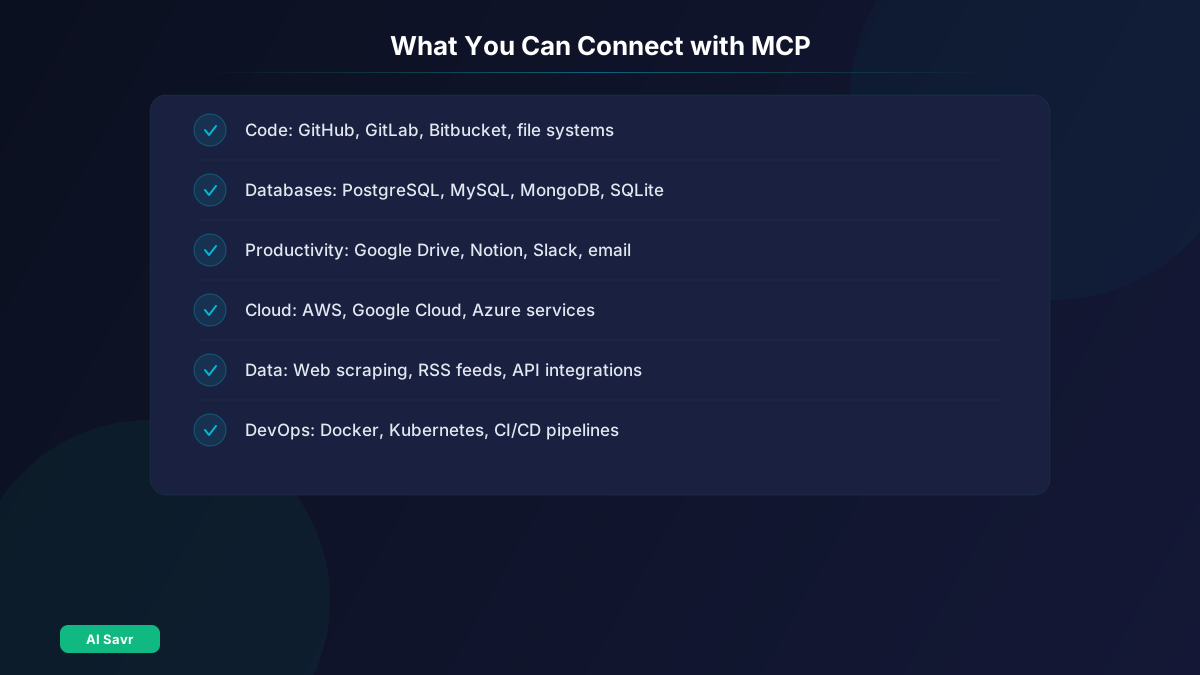
The MCP ecosystem already includes servers for:
- Code: GitHub, GitLab, Bitbucket, local file systems
- Databases: PostgreSQL, MySQL, SQLite, MongoDB
- Productivity: Google Drive, Notion, Slack, email
- Cloud: AWS, Google Cloud, Azure services
- Data: Web scraping, RSS feeds, API integrations
- Development: Docker, Kubernetes, CI/CD pipelines
The community is building new MCP servers daily. The open-source nature of the protocol means anyone can create and share servers.
MCP in Action: Real Examples
Example 1: Research Agent
An AI agent connected via MCP to a web browser, Google Scholar, and your note-taking app. You ask for research on a topic. The agent searches the web, reads papers, and saves organized notes to your app. No manual data transfer.
Example 2: DevOps Agent
An agent connected to GitHub (for code), Docker (for containers), and Slack (for notifications). It monitors deployments, detects failures, investigates logs, and posts summaries to your team channel.
Example 3: Business Intelligence Agent
Connected to your database, spreadsheet tool, and email. Ask "What were our top products last quarter?" and the agent queries the database, creates a chart, and emails the report.
How to Get Started with MCP
As a User
- Check if your AI tool supports MCP. Claude Desktop, Cursor, and OpenClaw all do.
- Find MCP servers for the tools you want to connect. The community maintains directories.
- Configure the connection in your AI tool's settings. Most require just a server URL and credentials.
- Start using the tools through natural language. Ask your AI to "check the latest GitHub issues" or "query the database."
As a Developer
- Read the MCP specification at the official documentation site.
- Choose your language. MCP servers can be built in Python, TypeScript, Go, or any language that handles JSON-RPC.
- Define your capabilities. What tools, data, or actions will your server expose?
- Build the server. Follow the SDK examples for your language.
- Test with a host. Connect to Claude Desktop or another MCP host and verify everything works.
MCP vs Alternatives
| Approach | Standardized | Multi-Agent | Security Model | Ecosystem |
|---|---|---|---|---|
| MCP | Yes | Yes | Built-in | Growing fast |
| Custom APIs | No | Manual | Ad-hoc | Fragmented |
| Function Calling | Partial | Platform-specific | Limited | Moderate |
| LangChain Tools | Partial | Python only | Basic | Large |
MCP's advantage is interoperability. Custom APIs work but require bespoke integration for each platform. Function calling is platform-specific (OpenAI's version differs from Anthropic's). LangChain tools are excellent for Python developers but lock you into one framework.
The Future of MCP
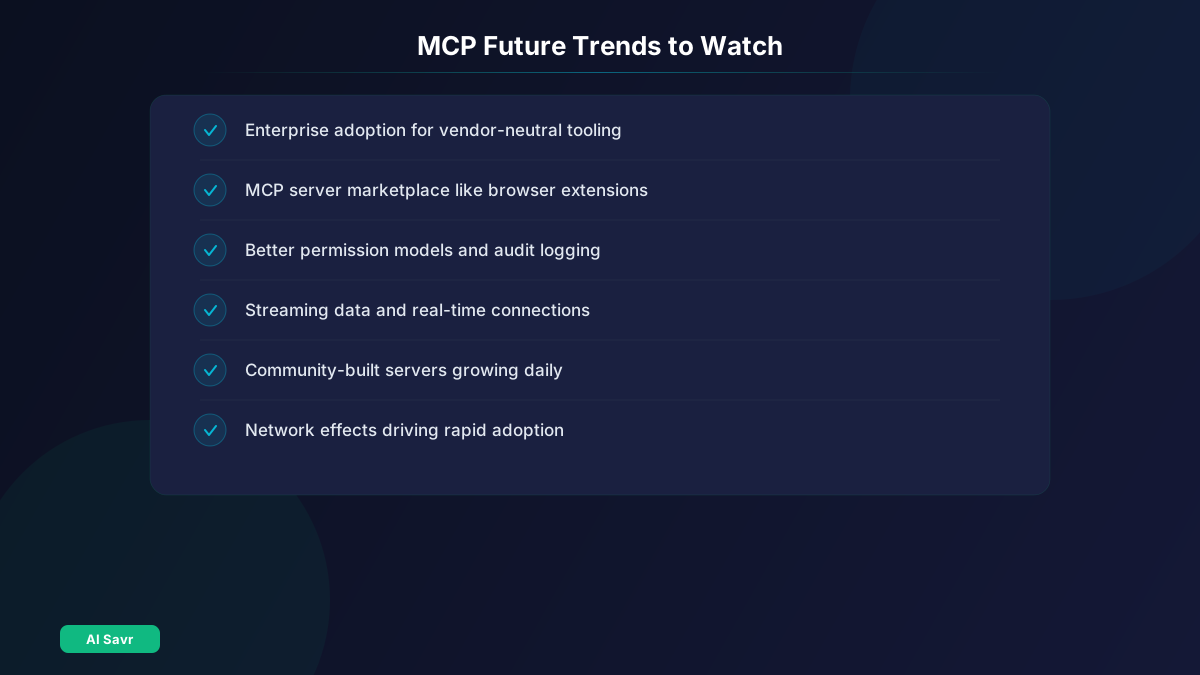
MCP is positioned to become the foundational protocol for AI agent infrastructure. Key trends to watch:
Enterprise adoption: Companies building internal AI agents will standardize on MCP to avoid vendor lock-in and simplify tool integration.
Marketplace potential: As the ecosystem grows, expect MCP server marketplaces where you can browse and install connectors the way you install browser extensions.
Security evolution: Better permission models, audit logging, and sandboxing for MCP connections will make enterprise deployment safer.
New capabilities: Support for streaming data, real-time connections, and more complex interaction patterns will expand what agents can do through MCP.
The Bottom Line
MCP is doing for AI agents what USB did for hardware. It eliminates the integration bottleneck that has held back AI agent adoption and creates a universal standard that benefits everyone. If you are building AI tools, integrating AI into your workflow, or just using AI agents for daily tasks, MCP is the infrastructure that makes it all work together.
The standard is open, the ecosystem is growing, and the major players are already on board. MCP is not a bet on the future. It is the foundation being laid right now.
Explore AI tools and agents that support MCP on AI Savr.