You do not need to know Python or SQL to analyze data in 2026. AI tools now let you upload a spreadsheet, ask questions in plain English, and get charts, insights, and reports in seconds.

This guide shows you how, step by step.
The Fastest Way: ChatGPT Data Analysis
ChatGPT Plus includes a built-in data analysis tool (formerly Code Interpreter). Here is how to use it:
- Upload your CSV, Excel, or JSON file to the chat
- Ask a question: "What are the top 5 products by revenue this quarter?"
- ChatGPT writes and runs Python code automatically
- You get tables, charts, and written insights
Example prompts:
- "Show me monthly revenue trends as a line chart"
- "Which customer segment has the highest churn rate?"
- "Find outliers in the shipping time data"
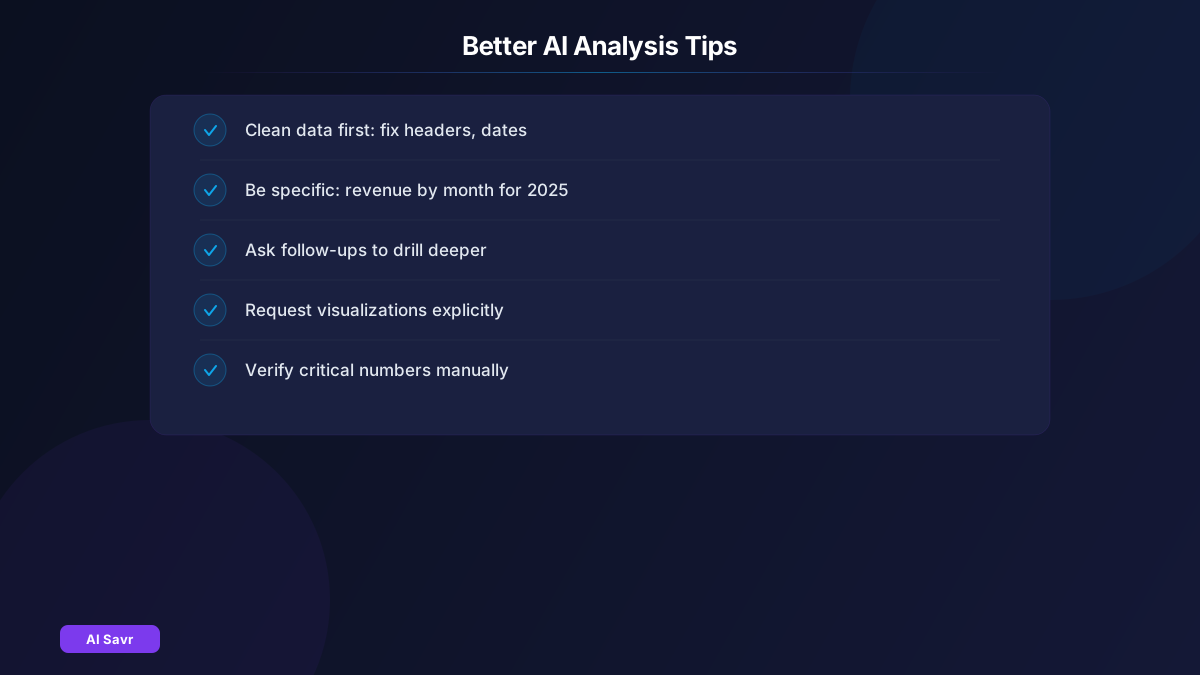
- "Create a pivot table showing sales by region and product category"
ChatGPT handles datasets up to about 500MB. For most business analysis, that covers everything you need.
Claude for Complex Analysis
Claude excels at data analysis when you need:
- Longer, more detailed written analysis
- Multi-step reasoning about business implications
- Custom report generation with executive summaries
- Analysis of text-heavy datasets (survey responses, reviews, feedback)
Upload your data to Claude and ask: "Analyze this customer feedback data. Identify the top 5 themes, sentiment distribution, and actionable recommendations for each theme."
Specialized AI Data Tools
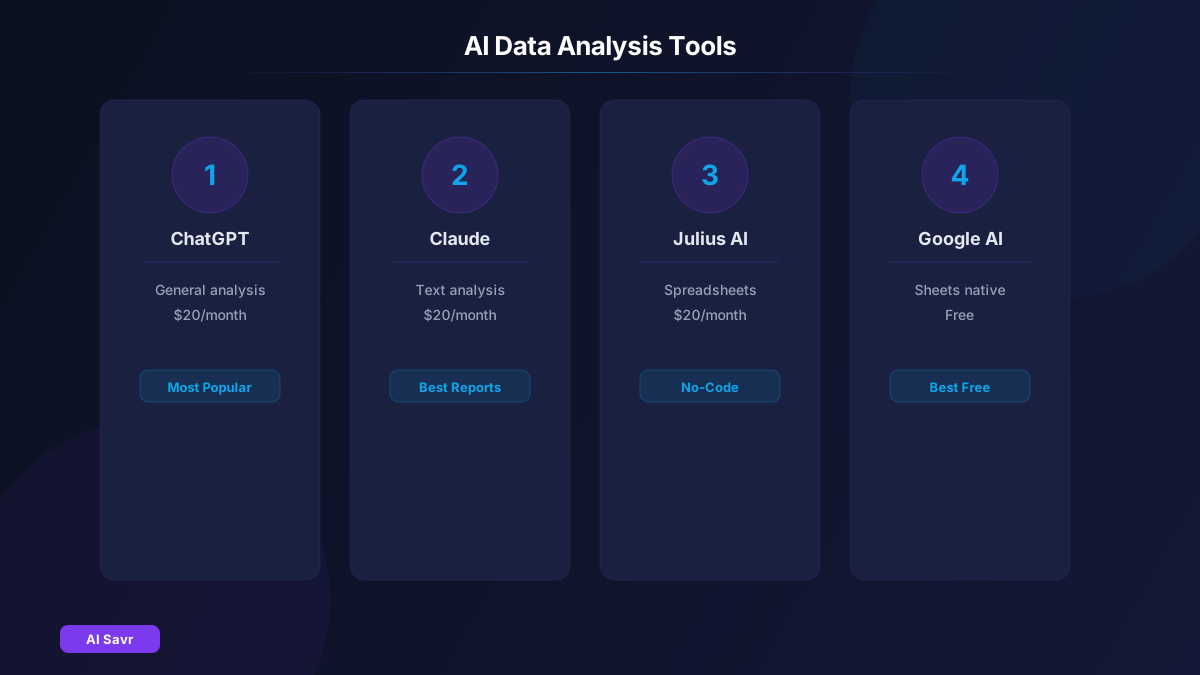
| Tool | Best For | Pricing |
|---|---|---|
| ChatGPT | General analysis, charts, quick insights | $20/month |
| Claude | Text analysis, detailed reports | $20/month |
| Julius AI | Spreadsheet analysis, no-code | $20/month |
| Rows | AI-powered spreadsheets | Free tier |
| Google Sheets AI | Basic analysis in Google ecosystem | Free |
Common Analysis Tasks Made Easy
Sales Analysis
Upload your sales data and ask:
- "Show quarterly trends with year-over-year comparison"
- "Which products are declining and need attention?"
- "Calculate average order value by customer segment"
Marketing Analysis
- "Compare conversion rates across marketing channels"
- "What is my customer acquisition cost by channel?"
- "Plot the marketing funnel with drop-off rates"
Operations Analysis
- "Find bottlenecks in the delivery process"
- "What is the average resolution time by ticket category?"
- "Show staffing patterns vs demand by hour"
Tips for Better AI Analysis
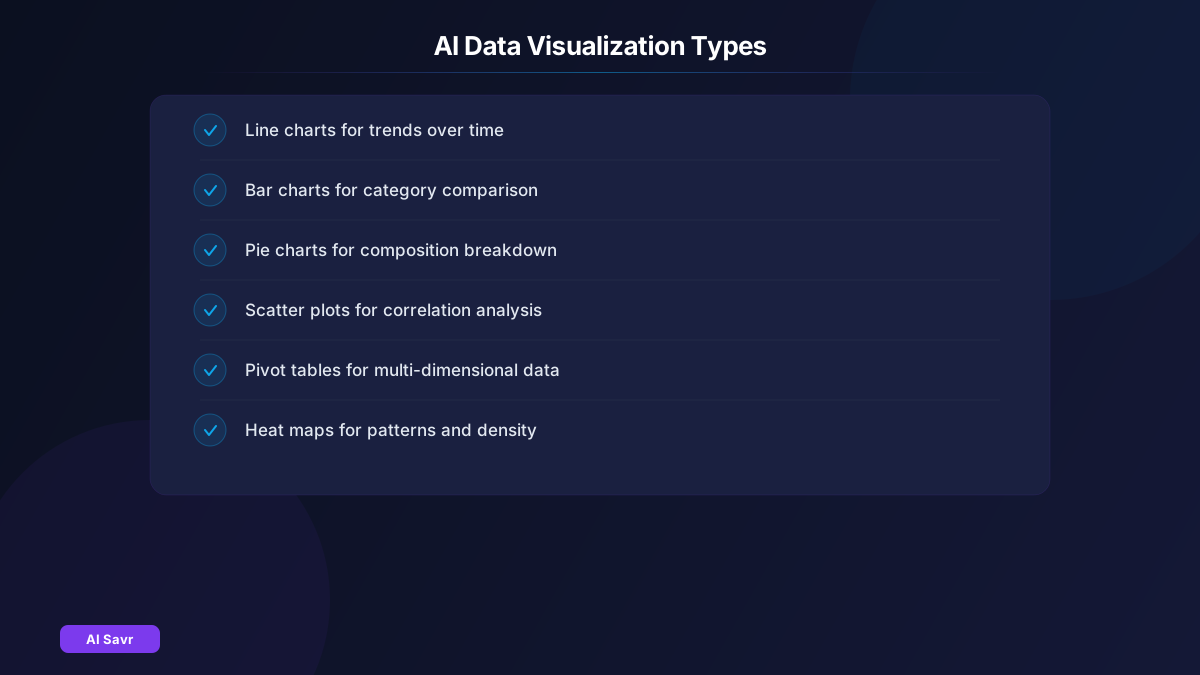
- Clean your data first: Remove empty rows, fix headers, use consistent date formats
- Be specific with questions: "Show revenue by month for 2025" beats "analyze the revenue"
- Ask follow-up questions: "Now break that down by region" after seeing initial results
- Request visualizations: "Show that as a bar chart with labels" for presentation-ready output
- Verify critical numbers: Always spot-check AI calculations against known values
Building a Data Analysis Workflow
- Collect data from your tools (export CSVs from CRM, analytics, etc.)
- Upload to ChatGPT or Claude
- Ask for an initial overview: "Summarize this dataset. What are the key columns and notable patterns?"
- Drill into specific questions based on the overview
- Generate charts and export for presentations
- Set up a weekly analysis routine for tracking trends
Related Resources
The Bottom Line
AI has democratized data analysis. You no longer need a data science degree to extract insights from your business data. Start with ChatGPT and a CSV file, ask questions in plain English, and let AI handle the technical heavy lifting. The insights are only as good as your questions, so learn to ask specific, actionable ones.