AI agents are available right now, but most people do not know how to use them effectively. This guide walks you through setting up AI agents for real work tasks, with specific tools and step-by-step instructions.
The difference between "playing with AI" and "getting real value from AI" comes down to knowing which agent to use for which task, and how to give clear instructions.
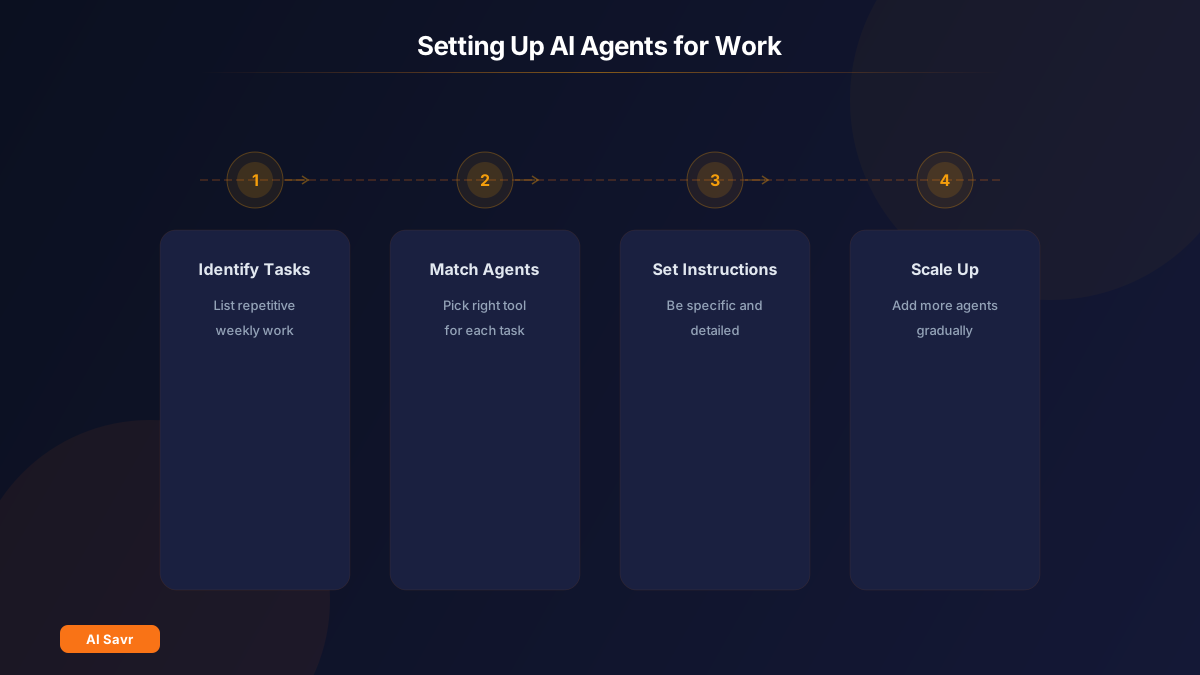
Step 1: Identify Your Repetitive Tasks
Before picking any tool, list the tasks you do every week that follow a pattern:
- Reading and responding to emails
- Scheduling meetings and follow-ups
- Researching topics or competitors
- Updating project statuses and reports
- Creating content drafts
- Data entry and spreadsheet work
- Code reviews and bug fixes
These are exactly the tasks AI agents handle best because they follow predictable patterns.
Step 2: Match Tasks to the Right Agent
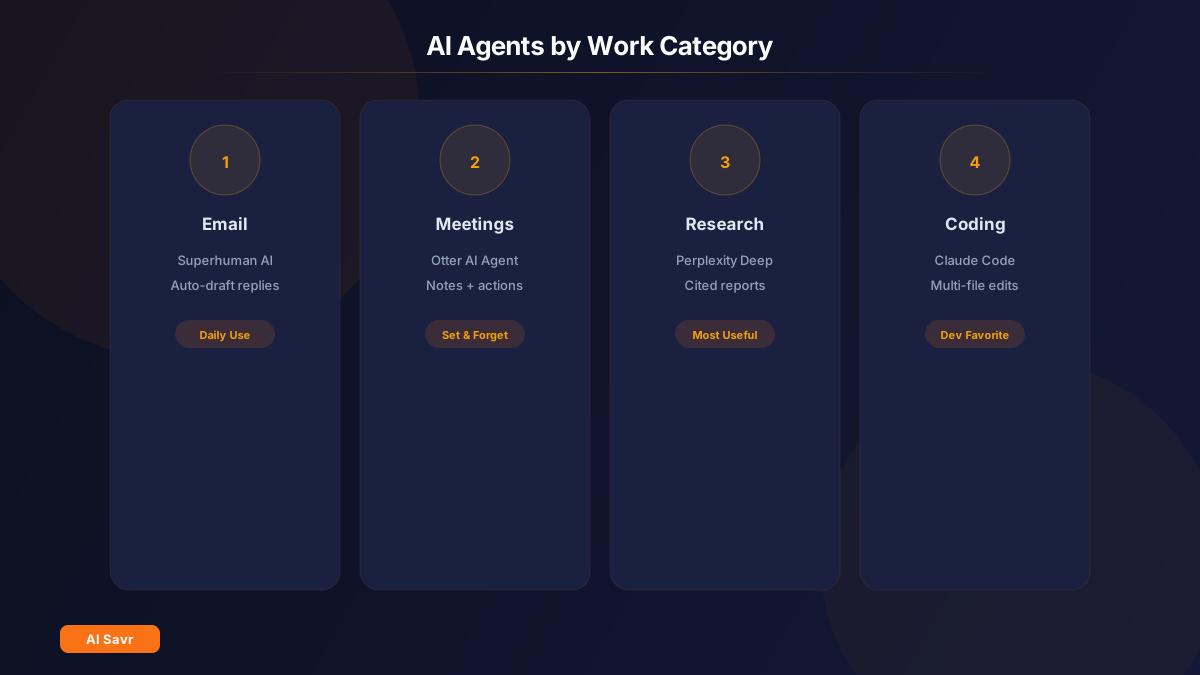
For Email Management
Tool: [Superhuman AI](/tools/superhuman-ai-2026/)
Superhuman's AI agent drafts replies in your voice, prioritizes your inbox, and handles follow-ups. Setup takes 10 minutes:
- Connect your email account
- Let the AI learn your writing style (it analyzes your sent emails)
- Review and approve draft responses
- Set rules for auto-categorization
What it automates: Response drafting, inbox sorting, follow-up reminders
For Meeting Notes and Action Items
Tool: [Otter.ai Meeting Agent](/tools/otter-meeting-agent/)
Otter joins your meetings automatically, transcribes everything, and extracts action items. After the meeting, it emails a summary to all participants.
- Connect your Google or Outlook calendar
- Otter automatically joins scheduled meetings
- Review the AI-generated summary and action items
- Assign tasks directly from the transcript
What it automates: Note-taking, summary writing, action item tracking
For Research and Analysis
Tool: [Perplexity Deep Research](/tools/perplexity-deep-research/)
Give Deep Research a complex question, and it spends 3 to 5 minutes reading dozens of sources before delivering a comprehensive report with citations.
- Open Perplexity and select Deep Research mode
- Ask a specific research question
- Review the multi-page report with sources
- Export to your preferred format
What it automates: Literature review, competitive analysis, market research
For Project Management
Tool: [Notion AI Agents](/tools/notion-ai-agents/)
Set up agents that monitor your Notion databases and take action automatically.
- Define your agent's role (e.g., "Update project statuses based on task completion")
- Set triggers (database change, schedule, or manual)
- Define the actions (update fields, send notifications, draft summaries)
- Review the agent's activity log
What it automates: Status updates, weekly reports, task assignment
For Coding Tasks
Tool: [Claude Code](/tools/claude/) or [Cursor Pro](/tools/cursor-pro/)
Claude Code works in your terminal and handles complex, multi-file tasks. Cursor Pro integrates into VS Code for a more visual experience.
- Describe the feature or bug in detail
- Let the agent analyze your codebase
- Review the proposed changes
- Approve and test
What it automates: Bug fixes, feature implementation, refactoring, test writing
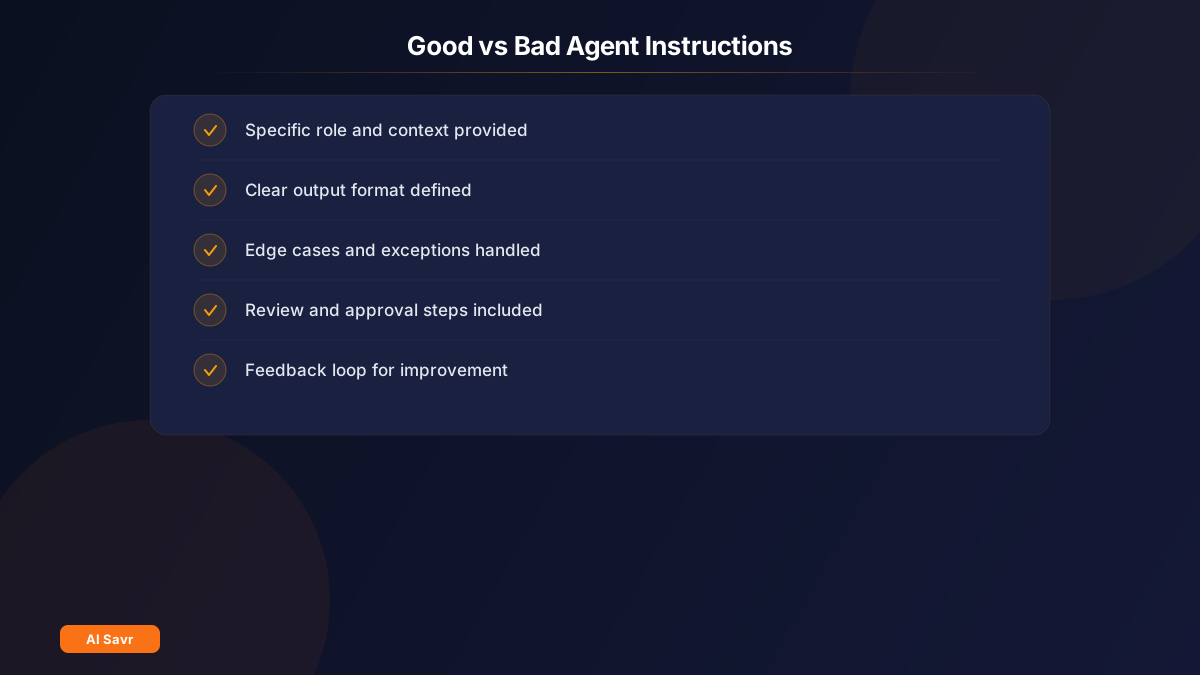
Step 3: Set Clear Instructions
The biggest mistake people make with AI agents is vague instructions. Compare these:
Bad: "Handle my emails" Good: "Draft responses to emails from clients. Be professional but friendly. If they ask about pricing, mention our standard packages. Flag urgent requests for my manual review."
Bad: "Research competitors" Good: "Find the top 5 competitors to [Product Name] in [Market]. For each, list their pricing, key features, and user reviews from G2 and Trustpilot. Summarize in a comparison table."
The more specific you are, the better the agent performs.
Step 4: Start Small and Scale
Do not automate everything at once. Here is a practical approach:
Week 1: Pick one task and one agent. Get comfortable with the workflow. Week 2: Review the agent's output quality. Refine your instructions. Week 3: Add a second task or agent once the first is running smoothly. Month 2: Build multi-agent workflows (e.g., research agent feeds data to content agent).
Common Mistakes to Avoid
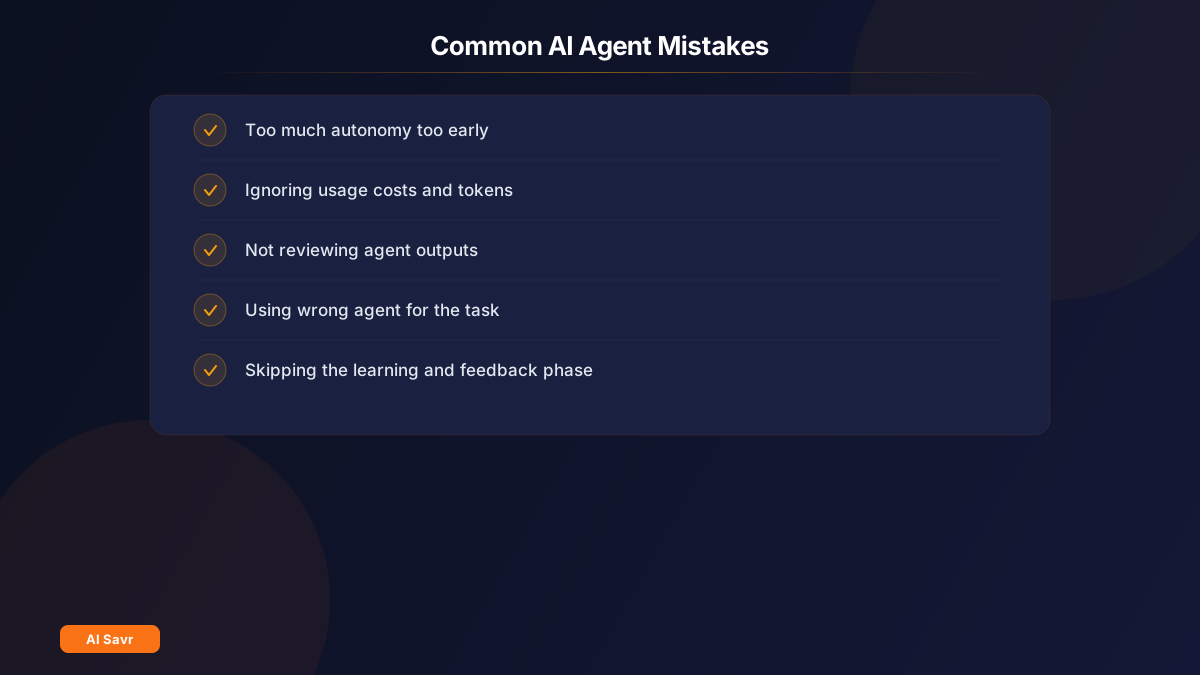
- Giving agents too much autonomy too early. Always start with review and approval steps.
- Ignoring costs. Agent actions use more tokens than simple chat. Monitor your usage.
- Not reviewing outputs. AI agents are good, not perfect. Spot-check regularly.
- Using the wrong agent for the task. A coding agent will not help with marketing copy. Match the tool to the job.
- Skipping the learning phase. Agents improve when you give feedback. Correct mistakes early so they learn your preferences.
The Bottom Line
AI agents are not a future concept. They are working tools available today. Start with one repetitive task, pick the right agent, give clear instructions, and scale from there. The people who learn to work with agents now will have a significant advantage as these tools keep improving.
Browse all AI productivity tools on AI Savr.