AI art has gone from a novelty to a legitimate creative tool. Whether you want to create illustrations, concept art, social media graphics, or just explore your creativity, this guide will take you from zero to creating impressive images.
No art skills required. If you can describe what you want, you can make it.
Which AI Art Tool Should You Start With?
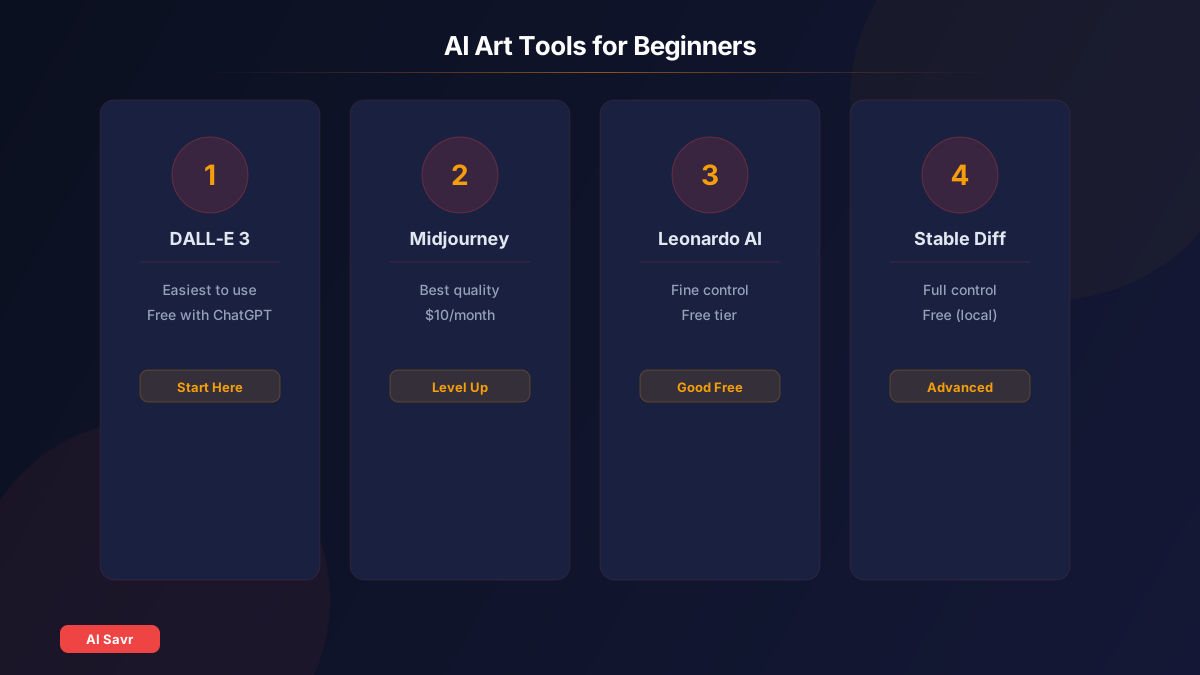
| Tool | Difficulty | Cost | Best For |
|---|---|---|---|
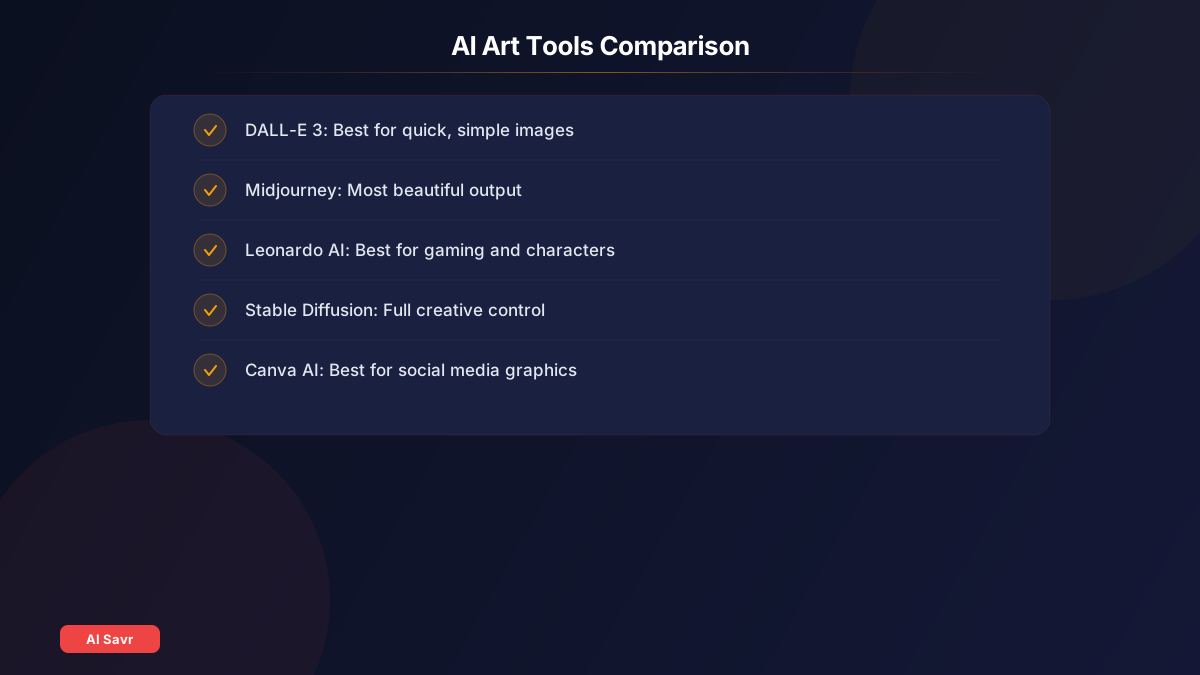
| DALL-E 3 | Easy | Free with ChatGPT | Quick, simple images |
| Midjourney | Medium | $10/month | Stunning art and illustrations |
| Leonardo AI | Medium | Free tier available | Gaming and character art |
| Stable Diffusion | Hard | Free (local) | Full creative control |
For absolute beginners: Start with DALL-E 3 inside ChatGPT. You can describe what you want in plain English and get results in seconds.
For serious creators: Midjourney produces the most consistently beautiful output.
Step 1: Write Your First Prompt
A prompt is the text description you give the AI. Here is a simple formula:
Subject + Style + Details + Mood
Examples:
- "A cozy coffee shop at sunset, watercolor style, warm golden lighting"
- "A futuristic city skyline at night, cyberpunk aesthetic, neon reflections on wet streets"
- "A golden retriever wearing a space suit, digital art, detailed, playful mood"

Step 2: Refine Your Results
Your first generation probably will not be perfect. That is normal. Here is how to improve:
Add more detail:
- Instead of "a cat", try "a fluffy orange tabby cat sitting on a windowsill, afternoon sunlight streaming in, impressionist painting style"
Specify what you do NOT want:
- In Midjourney, use --no to exclude elements: "forest landscape --no people"
- In Stable Diffusion, use negative prompts to remove unwanted elements
Use style references:
- "in the style of Studio Ghibli"
- "photorealistic, shot on 35mm film"
- "minimalist vector illustration"
- "oil painting with visible brushstrokes"
Step 3: Understand Key Settings
Aspect Ratio: Controls the shape of your image
- 1:1 for social media posts
- 16:9 for YouTube thumbnails
- 9:16 for phone wallpapers and Instagram stories
- 2:3 for portraits
Quality/Steps: Higher values give more detail but take longer
Seed: A number that controls randomness. Same seed + same prompt = same image. Useful for making variations.
Common Mistakes Beginners Make
- Prompts too short: "A dog" gives generic results. Add style, lighting, mood, and detail.
- Too many conflicting ideas: Keep each prompt focused on one clear concept.
- Ignoring aspect ratio: Match the ratio to your intended use.
- Not iterating: Great AI art usually takes 3 to 10 tries. Refine your prompt each time.
- Over-relying on one tool: Each tool has strengths. Try multiple options.
Practical Use Cases
For Social Media:
For Business:
- Product mockups and concept visualization
- Blog post illustrations and infographics
- Presentation imagery
For Personal Projects:
- Custom wallpapers and art prints
- Book covers and story illustrations
- Gift ideas and personalized art
Getting Started Checklist
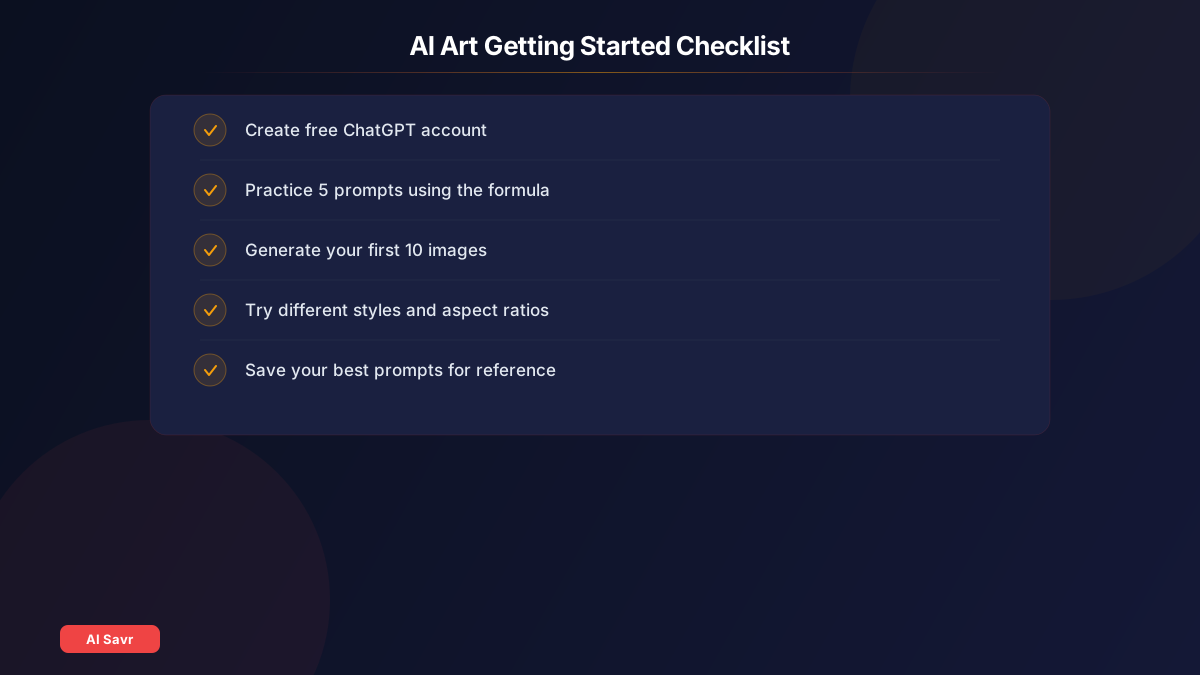
- Create a free ChatGPT account to access DALL-E 3
- Write 5 practice prompts using the Subject + Style + Details + Mood formula
- Generate your first 10 images and note what works
- Try Midjourney for more artistic results
- Experiment with different aspect ratios and styles
- Save your best prompts for future reference
Related Resources
- Best AI Image Generators Compared
- Midjourney Prompt Guide
- AI Image Generation Guide
- Image Generation Tools
The Bottom Line
Creating AI art is one of the most accessible creative skills you can learn in 2026. Start with DALL-E 3 for ease, graduate to Midjourney for quality, and explore Stable Diffusion for full control. The key is practice: the more prompts you write, the better your results get.