
Devin made headlines as the "world's first AI software engineer." Cognition AI built an agent that can independently plan, write, debug, and deploy code. But at $500 per month, the question everyone asks is: does it actually deliver?
Here is an honest breakdown of what Devin can and cannot do, based on real-world usage and community feedback.
What Is Devin AI?
Devin is an autonomous AI software engineer built by Cognition AI. Unlike coding assistants that suggest the next line of code, Devin handles entire development tasks from start to finish.
You give Devin a task in plain English. It creates a plan, sets up a development environment, writes code, runs tests, fixes bugs, and can deploy the finished product. It has access to its own command line, code editor, and browser.
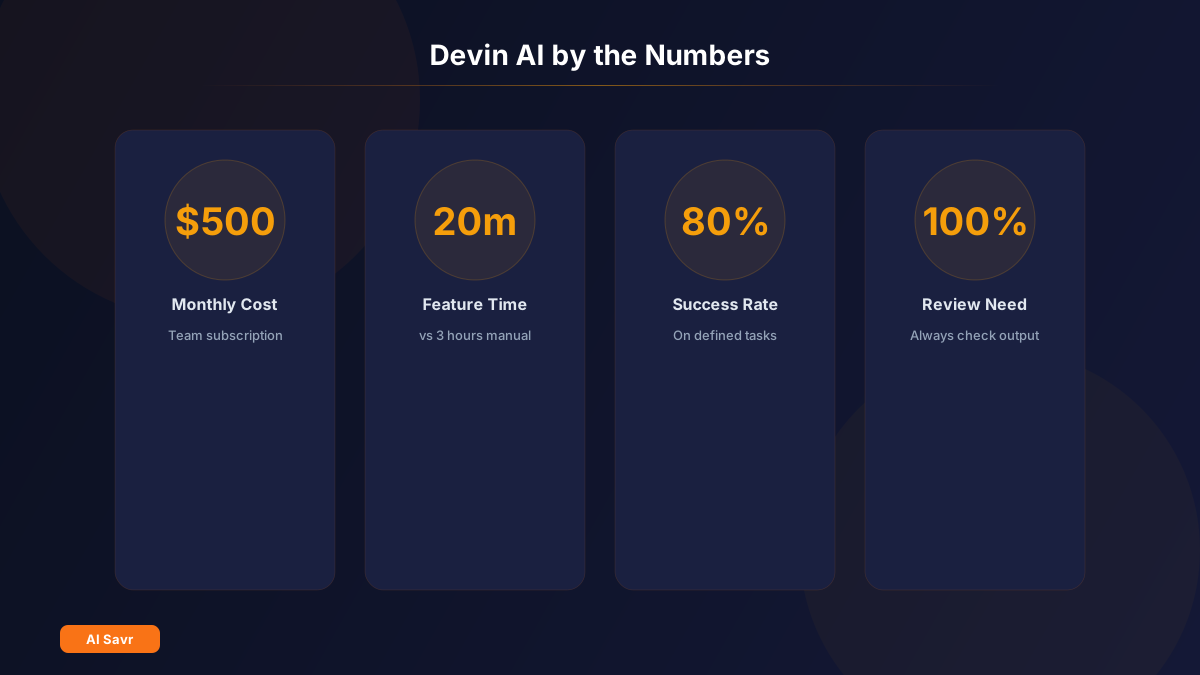
Pricing: $500/month for teams. Limited free demo available.
What Devin Can Do Well
End-to-End Feature Development
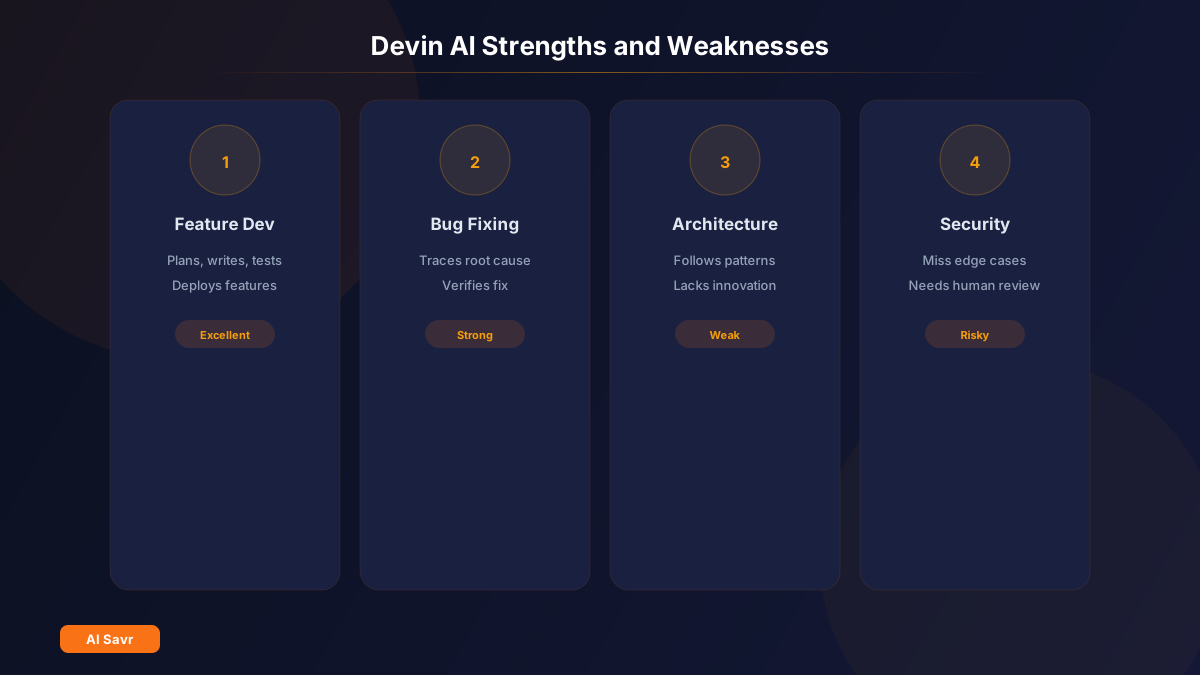
Devin excels at greenfield feature development. Describe what you want, and it builds it. It creates files, writes clean code, adds tests, and iterates until the feature works.
Bug Fixing and Debugging
Point Devin at a bug report, and it traces through code, identifies the root cause, writes a fix, and verifies the solution works. For well-documented bugs, this is genuinely impressive.
Prototyping
Need a quick proof of concept? Devin can build a working prototype from a description faster than most junior developers. It handles the boilerplate, the setup, and the core logic.
Documentation
Devin writes clear technical documentation, API docs, and README files based on the code it reads or writes. This alone saves significant time.
Integration Work
Connecting APIs, setting up database schemas, and wiring up third-party services. These repetitive integration tasks are where Devin provides the most consistent value.
Where Devin Struggles
Complex Architecture Decisions
Devin follows instructions well but does not make great architectural choices on its own. For system design, database selection, and scaling decisions, you still need a senior engineer guiding the approach.
Large Existing Codebases
While Devin can navigate codebases, it sometimes misunderstands complex existing patterns and introduces inconsistencies. It works best with clear, well-structured code.
Edge Cases and Performance
Devin's code works for the happy path but may miss edge cases, error handling, and performance optimization that experienced developers catch naturally.
Security Best Practices
Like most AI coding tools, Devin can introduce security vulnerabilities. SQL injection prevention, proper authentication handling, and input validation still require human review.
Creative Problem-Solving
Devin is best at tasks with clear patterns. Novel problems that require creative approaches or unconventional solutions are still human territory.
Devin vs Other Coding Agents
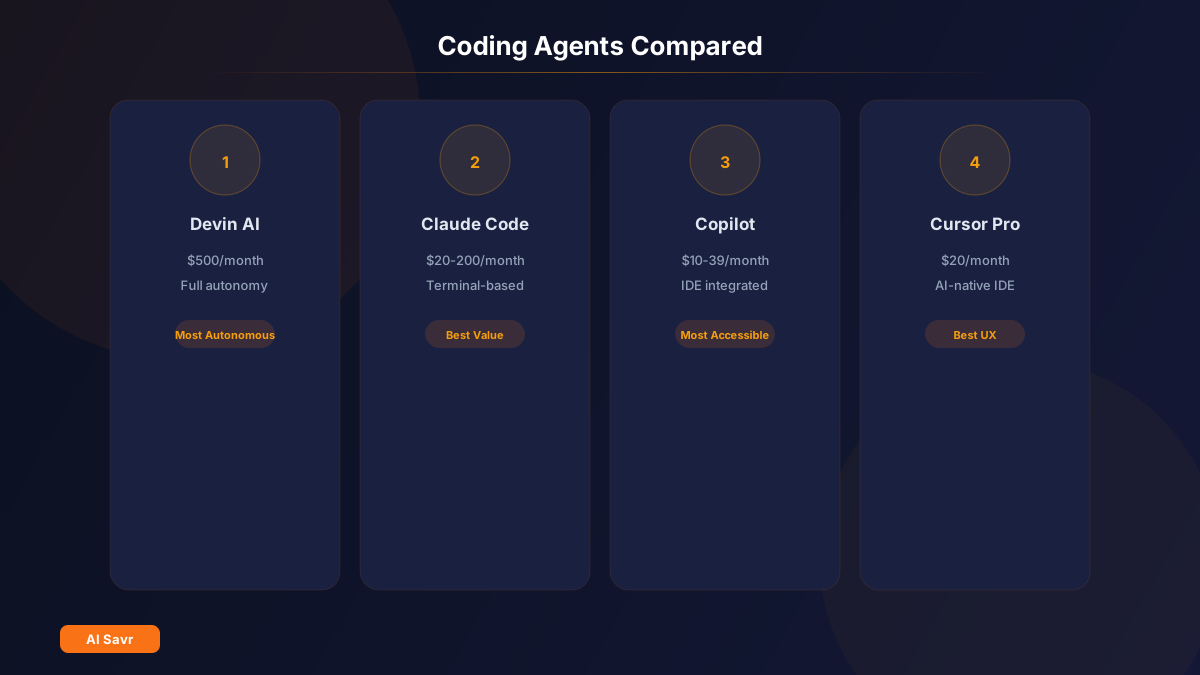
| Feature | Devin AI | Claude Code | GitHub Copilot | Cursor Pro |
|---|---|---|---|---|
| Price | $500/mo | $20-200/mo | $10-39/mo | $20/mo |
| Autonomy | Full | High | Medium | Medium |
| Best for | Full features | Refactoring | Line-by-line | IDE coding |
| Environment | Own sandbox | Terminal | VS Code/IDE | Cursor IDE |
| Team features | Yes | Limited | Yes | Yes |
| Learning curve | Low | Medium | Low | Low |
Is $500/Month Worth It?
The math depends on what you compare it to:
If Devin replaces hiring: A junior developer costs $5,000-8,000/month fully loaded. If Devin handles even 10% of their workload reliably, the ROI is positive.
If Devin supplements a team: $500/month for faster prototyping, bug fixing, and documentation is reasonable for a team that ships frequently.
If you are a solo developer: Hard to justify unless Devin saves you 20+ hours per month. At that point, the time savings exceed the cost.
If you are on a budget: Claude Code at $20/month or Cursor Pro at $20/month deliver 80% of the value for a fraction of the price.
Real User Feedback
The developer community is split:
Positive takes:
- "Devin handled a complete CRUD feature with tests in 20 minutes that would have taken me 3 hours"
- "Great for boilerplate-heavy tasks like setting up new microservices"
- "The debugging capability is genuinely good for straightforward bugs"
Critical takes:
- "It writes code that works but is not code I would write. Style and patterns do not match our codebase"
- "Too expensive for what it does. Claude Code gets me 90% there for $20"
- "Needs too much hand-holding for anything beyond standard CRUD"
Tips for Getting the Most Out of Devin
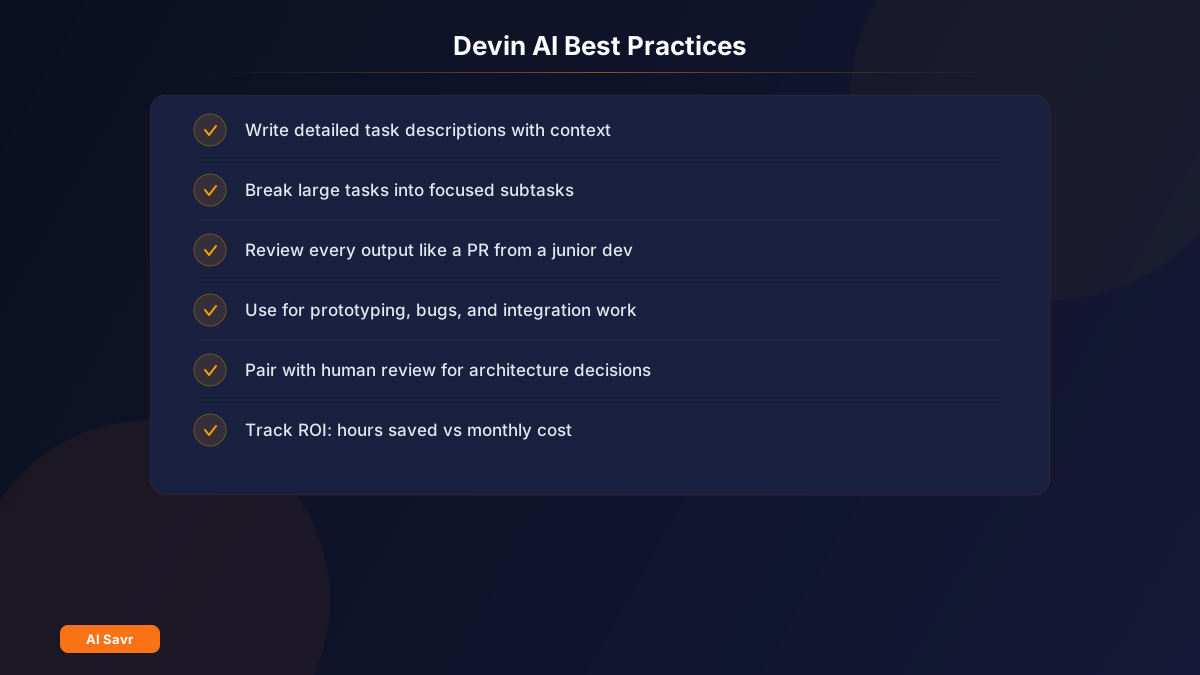
- Write detailed task descriptions. The more context you provide, the better the output. Include tech stack, coding standards, and expected behavior.
- Break large tasks into smaller ones. Devin performs best on focused, well-defined tasks rather than vague feature requests.
- Review everything. Treat Devin's output like a pull request from a junior developer. Check the logic, the edge cases, and the security.
- Use it for the right tasks. Prototyping, bug fixes, documentation, and integration work. Not architecture or complex design.
- Pair it with human review. Devin writes the first draft. Your team reviews, refines, and ships.
The Bottom Line
Devin AI is real. It can independently build features, fix bugs, and handle development tasks. But it is not replacing your dev team anytime soon. Think of it as a very fast junior developer who needs supervision and clear instructions.
At $500/month, it makes sense for teams shipping frequently and startups that need to move fast. For solo developers or budget-conscious teams, Claude Code or Cursor Pro offer better value.
The future of AI coding agents is undeniably here. Devin is proving what is possible. Just set your expectations at "capable assistant," not "replacement engineer."
Compare all AI coding tools on AI Savr to find the right option for your development workflow.