You do not need to wait for OpenClaw or Manus to build an AI agent that automates your work. With the right tools and a clear approach, you can create a custom agent tailored to your exact needs in a weekend.
This guide walks you through building a functional AI agent from scratch, covering architecture decisions, framework choices, tool integration, and deployment.
What You Will Build
By the end of this guide, you will have an AI agent that can:
- Understand natural language instructions
- Plan multi-step approaches to tasks
- Use external tools (web search, file operations, APIs)
- Remember context across conversations
- Execute tasks autonomously
Prerequisites
- Basic Python knowledge (variables, functions, loops)
- A computer with Python 3.10+ installed
- An API key from OpenAI, Anthropic, or another LLM provider
- Comfort with the terminal
Step 1: Choose Your Architecture
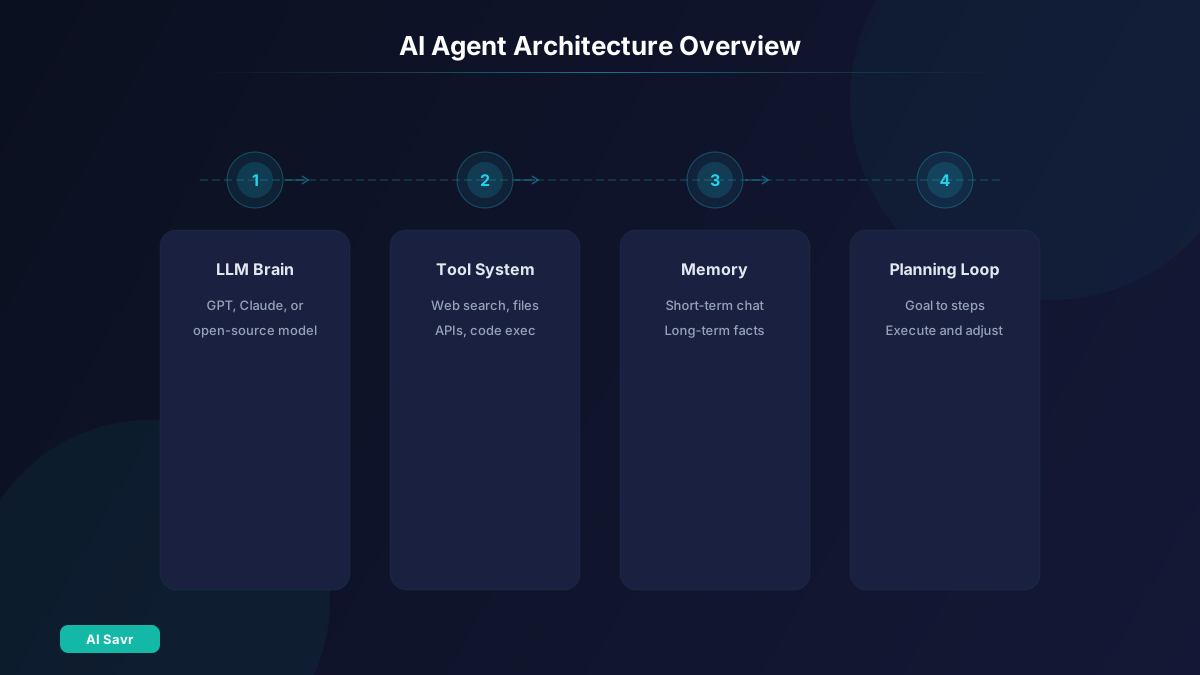
Every AI agent has the same core components:
The Reasoning Engine (LLM)
This is the brain. GPT-4 Turbo, Claude 3.5 Sonnet, or an open-source model like Llama 3. The LLM decides what to do, when to use tools, and how to respond.
Recommendation for beginners: Start with GPT-4 or Claude 3.5 Sonnet via their API. They offer the best balance of capability and ease of use.
The Tool System
The hands and eyes. Tools let your agent interact with the world: search the web, read files, call APIs, send emails. Without tools, your agent is just a chatbot.
The Memory System
Short-term memory (conversation context) and long-term memory (stored facts and preferences). Memory lets your agent maintain continuity and improve over time.
The Planning Loop
The control flow that ties everything together. The agent receives a goal, creates a plan, executes steps, evaluates results, and adjusts. This loop is what makes it an agent instead of a one-shot tool.
Step 2: Choose Your Framework
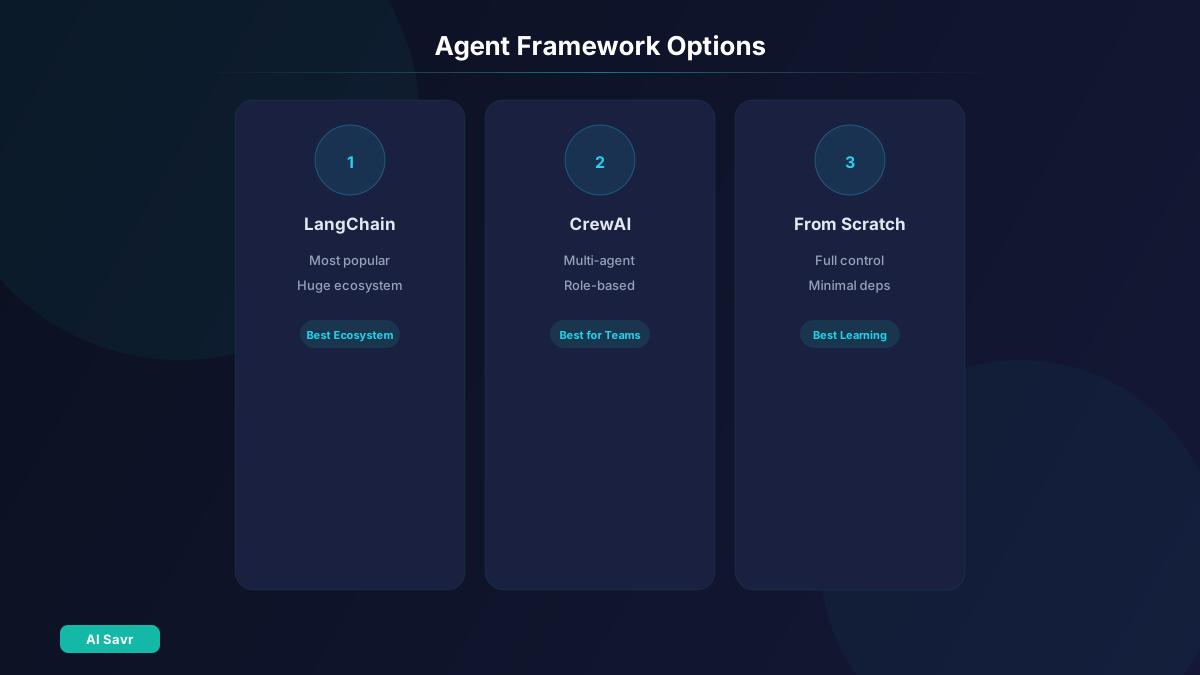
You have several options:
Option A: LangChain (Most Popular)
The most widely-used framework for building AI agents. Extensive documentation, large community, and pre-built integrations.
pip install langchain langchain-openaiPros: Huge ecosystem, lots of examples, good for prototyping Cons: Can be over-abstracted, frequent breaking changes
Option B: CrewAI (Multi-Agent)
Built specifically for multi-agent systems where several AI agents collaborate on tasks.
pip install crewaiPros: Great for complex workflows with multiple roles Cons: More complex setup, newer ecosystem
Option C: Build From Scratch
Use the LLM API directly with a simple loop. Maximum control, minimum abstraction.
pip install openaiPros: Full control, minimal dependencies, easier to debug Cons: More code to write, no pre-built integrations
Recommendation: Start with Option C (from scratch) to understand how agents work, then graduate to LangChain or CrewAI for production use.
Step 3: Build the Core Agent Loop
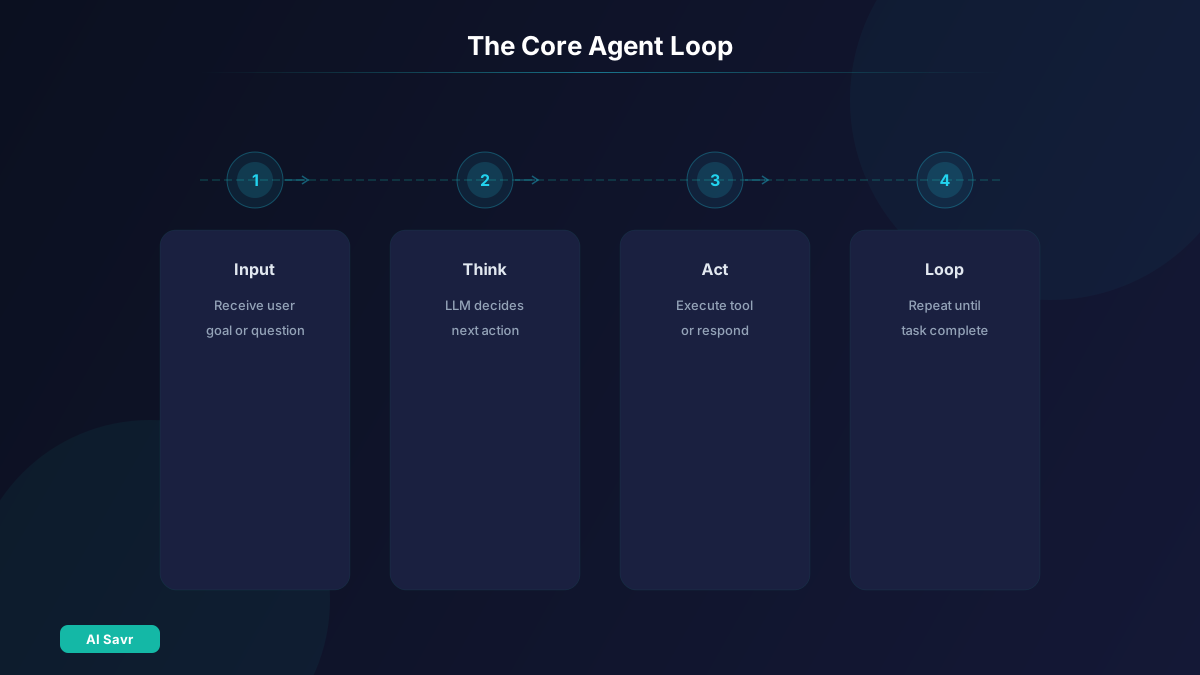
The fundamental agent pattern is a loop:
- Receive user input or goal
- Ask the LLM what to do next
- If the LLM says to use a tool, execute the tool
- Feed the tool result back to the LLM
- Repeat until the LLM says the task is complete
- Return the final answer
Here is the pseudocode:
function run_agent(goal):
    messages = [system_prompt, user_goal]
    while True:
        response = llm.chat(messages, tools=available_tools)
        if response.wants_to_use_tool:
            result = execute_tool(response.tool_name, response.tool_args)
            messages.append(tool_result)
        else:
            return response.final_answer
This is the core pattern used by OpenClaw, Manus, and every other AI agent. Everything else is layers of sophistication built on top of this loop.
Step 4: Add Tools
Tools transform your chatbot into an agent. Start with these essential tools:
Web Search
Let your agent search the internet for current information. Use the Tavily API, SerpAPI, or the Brave Search API.
File Operations
Read and write files on the local file system. Essential for agents that create content, process data, or generate reports.
Code Execution
Run Python code in a sandboxed environment. Lets your agent do calculations, data analysis, and create visualizations.
API Calls
Make HTTP requests to external services. This opens up integration with any web service.
Start small. Two or three tools are enough for a useful agent. Add more as you identify needs.
Step 5: Add Memory
Short-Term Memory
The simplest form: keep the conversation history in an array and send it with each LLM call. This gives context within a session.
Long-Term Memory
Store important facts, user preferences, and learned patterns in a file or database. Load relevant memories when starting new conversations.
A simple approach: save JSON files with key facts after each conversation. Load and inject relevant ones as context at the start of new sessions.
Step 6: Add Safety Guardrails
Before deploying, add these safety measures:
Action Approval
For any action that modifies data, sends messages, or costs money, pause and ask the user for confirmation.
Rate Limiting
Limit how many tool calls the agent can make per minute. Prevents runaway loops and excessive API costs.
Scope Restrictions
Explicitly define what the agent can and cannot access. Do not give it access to systems it does not need.
Logging
Log every action the agent takes. You need an audit trail for debugging and security review.
Cost Controls
Set a maximum spend per session. LLM API calls add up, especially in multi-step tasks.
Step 7: Test and Iterate
Start with Simple Tasks
"Search for the weather in Tokyo" or "Read this file and summarize it." Verify the basic loop works reliably.
Graduate to Multi-Step Tasks
"Research the top 5 project management tools, compare their pricing, and create a summary document." Make sure the agent plans and executes multiple steps correctly.
Test Edge Cases
What happens when a tool fails? What if the LLM hallucinates a tool name? What if the task is ambiguous? Build in error handling for these scenarios.
Get Feedback
Have someone else use your agent. They will break it in ways you did not expect. Fix the issues and test again.
Step 8: Deploy
For personal use, running the agent as a Python script on your machine is fine. For sharing or production use, consider:
Local Deployment
Run as a background service on your computer. Use a simple CLI or web interface for interaction.
Cloud Deployment
Deploy on a server (DigitalOcean, AWS, Railway) with a web interface or API. This lets you access your agent from anywhere.
Messaging Integration
Connect your agent to Telegram, Discord, or Slack for a familiar chat interface. This is how OpenClaw works and users find it intuitive.
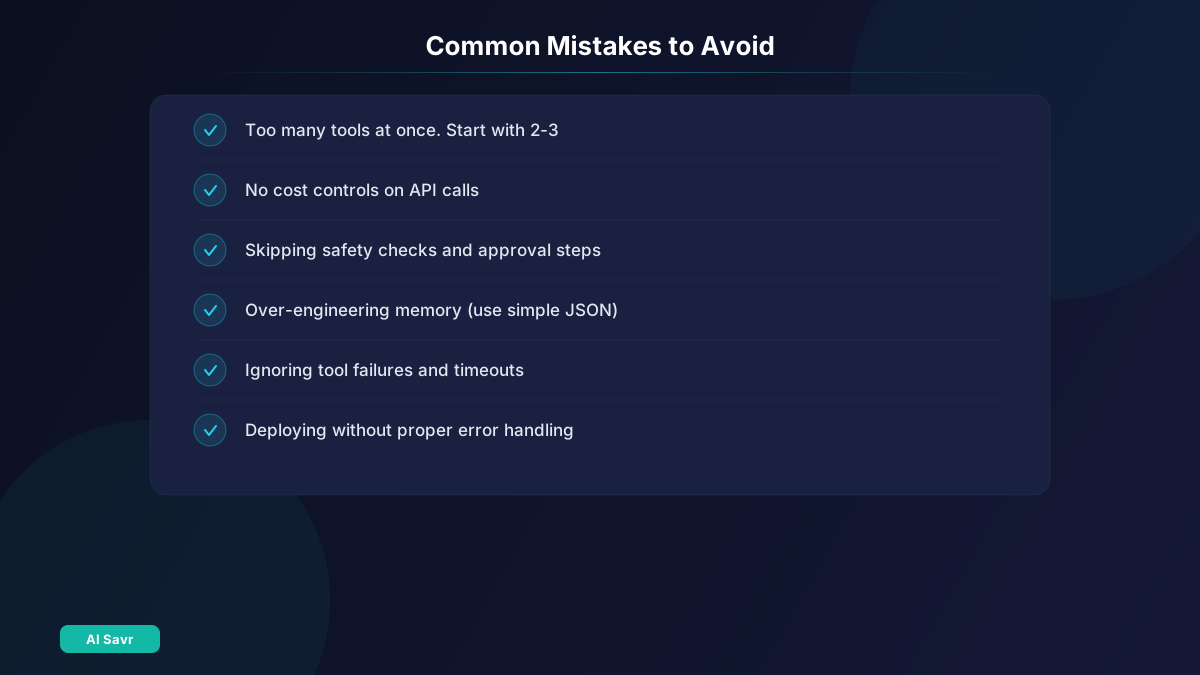
Common Mistakes to Avoid
- Too many tools at once. Start with 2-3 tools. Add more only when you hit clear limitations.
- No cost controls. An agent in a loop can make hundreds of API calls. Set spending limits.
- Skipping safety checks. Always require approval for actions that spend money, send messages, or modify data.
- Over-engineering memory. Start with simple JSON files. Move to vector databases only when you actually need semantic search.
- Ignoring errors. Tools fail. APIs time out. LLMs hallucinate. Build error handling from day one.
Next Steps
Once your basic agent works:
- Add MCP support to connect with the growing ecosystem of MCP-compatible tools
- Build custom skills for your specific workflow needs
- Experiment with different LLMs to find the best balance of cost and capability
- Try multi-agent systems with CrewAI where agents with different roles collaborate
The Bottom Line
Building an AI agent is more accessible than you might think. The core pattern is simple: a loop that asks an LLM what to do, executes tools, and repeats. The frameworks and APIs available today make it possible to have a working agent in a weekend.
Start simple. Add complexity only when needed. And always, always add safety guardrails before giving your agent real-world access.
Explore our full AI tools directory on AI Savr for more agent platforms and development tools.