Project management is getting an AI upgrade. The best PM tools in 2026 do not just track tasks. They predict bottlenecks, auto-assign work, generate status reports, and optimize resource allocation.
Here are the tools that actually deliver results.
Top AI Project Management Tools
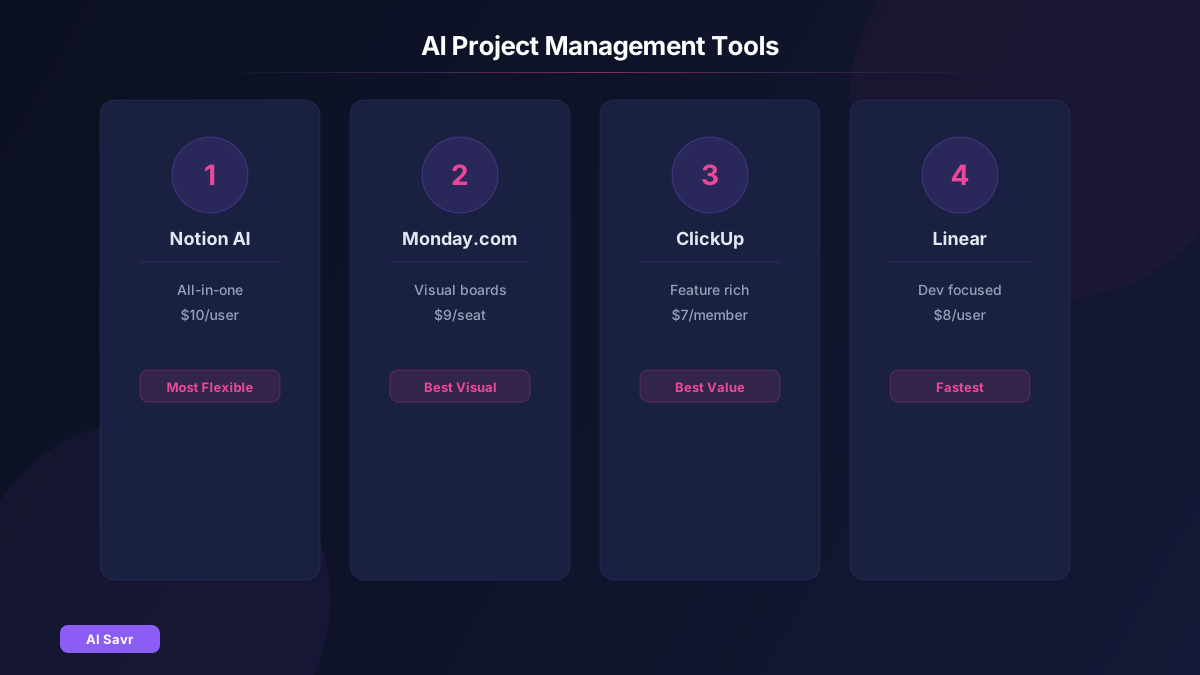
1. Notion AI
Notion AI transforms project management with intelligent databases, automated summaries, and AI-powered search across your entire workspace.
Best for: Teams that want docs + tasks + wiki in one place Pricing: $10/month per user with AI add-on Standout feature: AI can summarize meeting notes, generate action items, and fill database properties automatically
2. Monday.com AI
Monday's AI assistant predicts project timelines, suggests task assignments based on workload, and auto-generates project plans from brief descriptions.
Best for: Visual teams that need dashboards and automations Pricing: From $9/seat/month
3. ClickUp AI
ClickUp Brain acts as an AI assistant across your entire workspace. It can write task descriptions, summarize projects, create subtasks, and draft updates.
Best for: Feature-rich PM with built-in docs, whiteboards, and time tracking Pricing: Free tier available, AI from $7/member/month
4. Asana Intelligence
Asana's AI features include smart status updates, auto-generated goals tracking, workflow recommendations, and natural language project creation.
Best for: Enterprise teams with complex cross-functional projects Pricing: From $10.99/user/month
5. Linear
Linear uses AI for auto-triage, duplicate detection, and intelligent project cycle planning. Built for speed.
Best for: Engineering and product teams Pricing: Free for small teams, $8/user/month for teams
What AI Actually Does in PM Tools
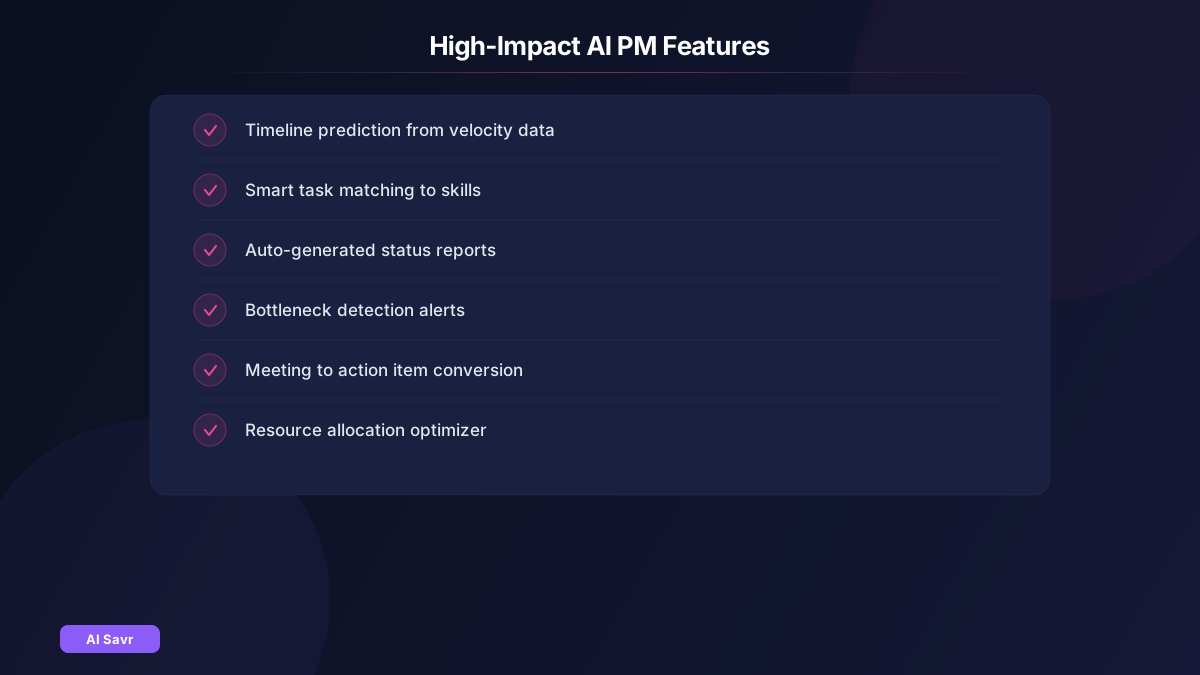
Not all AI features are equally useful. Focus on these high-impact capabilities:
High Impact:
- Timeline and deadline prediction based on team velocity
- Smart task assignment matching skills and availability
- Auto-generated status reports and standup summaries
- Bottleneck detection before they cause delays
Medium Impact:
- Task description generation from brief inputs
- Meeting summary to action item conversion
- Resource allocation optimization
Low Impact (mostly marketing hype):
- AI-generated project names
- Generic writing assistance within task comments
How to Choose the Right Tool

| Need | Best Pick |
|---|---|
| All-in-one workspace | Notion AI |
| Visual dashboards | Monday.com |
| Feature depth | ClickUp |
| Enterprise scale | Asana |
| Developer focus | Linear |
Implementation Tips
- Start with reporting: Get AI-generated status reports working first. Instant time savings.
- Add smart assignment: Let AI suggest who should own tasks based on workload and skills.
- Enable predictions: Turn on timeline prediction after 2 to 3 months of data.
- Automate standups: Replace daily standup meetings with AI-generated async updates.
- Review weekly: Check AI suggestions and correct them. The models improve with feedback.
Pricing Comparison
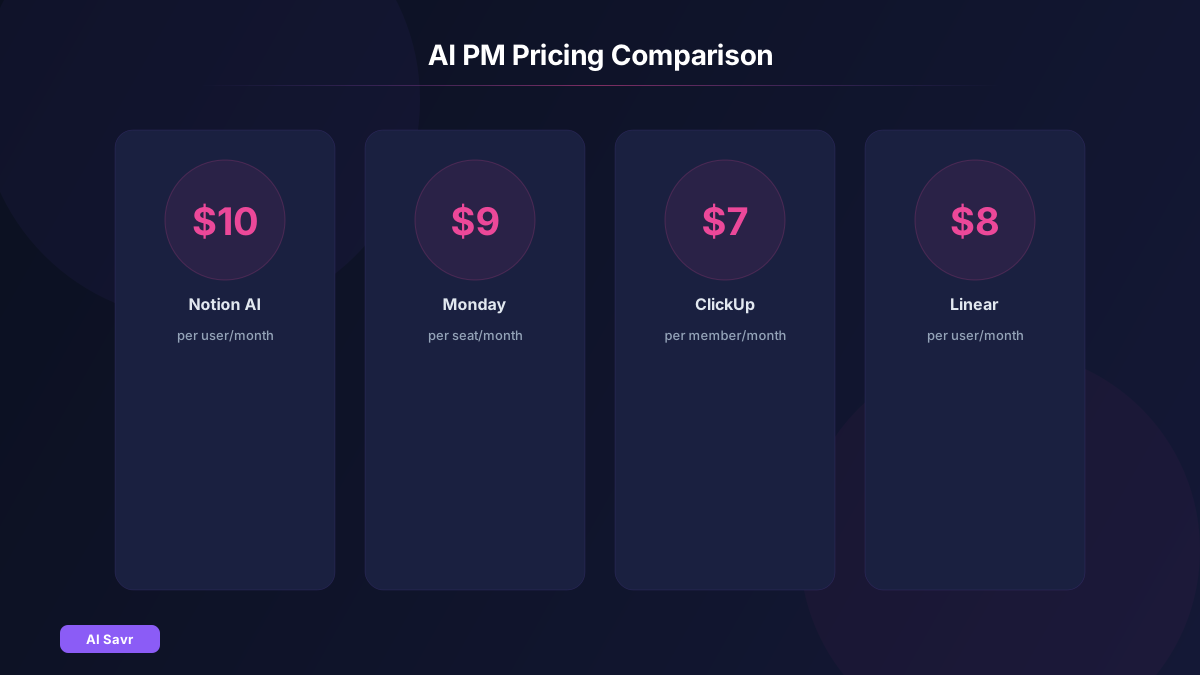
| Tool | Free Tier | AI Features | Price/User/Month |
|---|---|---|---|
| Notion AI | Yes | Add-on $10 | $10+ |
| Monday.com | Limited | Included | $9+ |
| ClickUp | Yes | Add-on $7 | $7+ |
| Asana | Yes | Premium+ | $10.99+ |
| Linear | Yes | Included | $8+ |
Related Resources
The Bottom Line
The best AI PM tool is the one your team will actually use. Start with a tool that fits your existing workflow, enable one AI feature at a time, and measure the time saved. For most teams, the combination of AI status reports and smart task assignment delivers the fastest ROI.