
Nobody likes making slides. But everyone needs them. AI presentation tools in 2026 can turn a few sentences into a polished deck in under 5 minutes.

Here are the tools that actually deliver professional results.
Top AI Presentation Tools
1. Gamma
Gamma is the best AI-first presentation tool. It generates complete presentations from a prompt, with professional design, and lets you present or export.
Best for: Quick presentations, pitch decks, internal meetings How it works: Describe your presentation in 2-3 sentences. Gamma generates slides with copy, images, and layout. Pricing: Free (10 credits), Plus from $8/month Standout: Results look genuinely professional without manual design work
2. Beautiful.ai
Beautiful.ai uses smart templates that automatically adjust layout as you add content. Every slide looks good.
Best for: Design-conscious professionals who want consistency How it works: Choose a smart template, add content, and the AI handles layout and design Pricing: From $12/month Standout: No more fighting with alignment and spacing
3. Tome
Tome creates narrative-style presentations that feel more like interactive stories than slide decks.
Best for: Storytelling, content marketing, creative pitches How it works: AI generates a narrative with text, images, and embeds Pricing: Free tier, Pro from $16/month Standout: Unique format that stands out from traditional slides
4. Canva AI Presentations
Canva AI brings its massive template library and design tools to presentations with AI-powered features.
Best for: Teams that already use Canva for other design work How it works: Describe your presentation, pick a style, and Canva generates slides Pricing: Free tier, Pro from $13/month Standout: Huge template library and brand kit integration
5. Microsoft Copilot in PowerPoint
Copilot brings AI to the most widely used presentation tool. Generate slides, add talking points, and organize content.
Best for: Enterprise users in the Microsoft ecosystem How it works: Describe what you need or transform a Word document into slides Pricing: $30/user/month (Microsoft 365 Copilot)
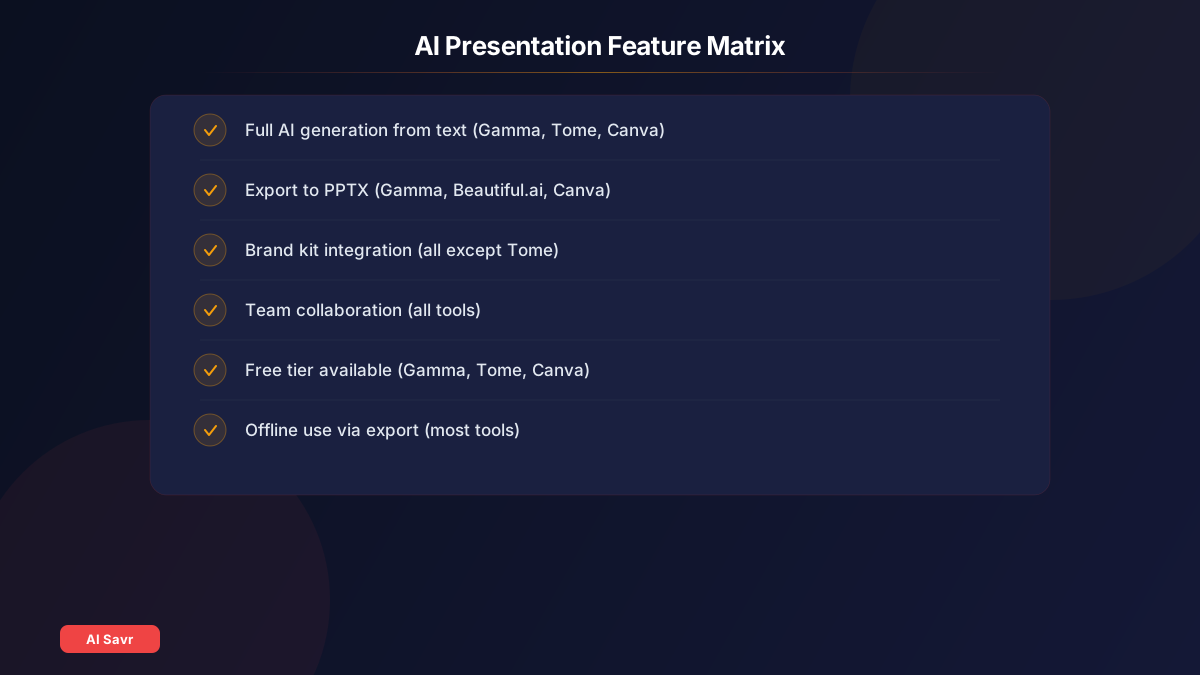
Feature Comparison
| Feature | Gamma | Beautiful.ai | Tome | Canva AI | Copilot |
|---|---|---|---|---|---|
| AI Generation | Full | Partial | Full | Full | Partial |
| Export to PPTX | Yes | Yes | Limited | Yes | Native |
| Brand Kit | Yes | Yes | No | Yes | Yes |
| Collaboration | Yes | Yes | Yes | Yes | Yes |
| Free Tier | Yes | No | Yes | Yes | No |
| Offline Use | Export | Export | No | Export | Yes |
When to Use Which Tool

- Quick internal meeting? Gamma. Generate in 60 seconds, present immediately.
- Client pitch deck? Beautiful.ai for polished, professional design.
- Creative storytelling? Tome for unique, narrative presentations.
- Brand consistency across team? Canva AI with brand kit.
- Corporate environment? Microsoft Copilot in PowerPoint.
Pro Tips for AI Presentations
- Start with an outline: Give the AI a structured outline instead of a vague topic for much better results
- Edit ruthlessly: AI generates too much text. Cut 30% to 50% of the words on each slide
- Replace stock images: Swap generic AI images with screenshots, data, or custom visuals
- Add your data: AI cannot include your specific metrics. Add real numbers to build credibility
- Practice the flow: AI builds slides, not presentations. Know your narrative and transitions
Pricing Summary
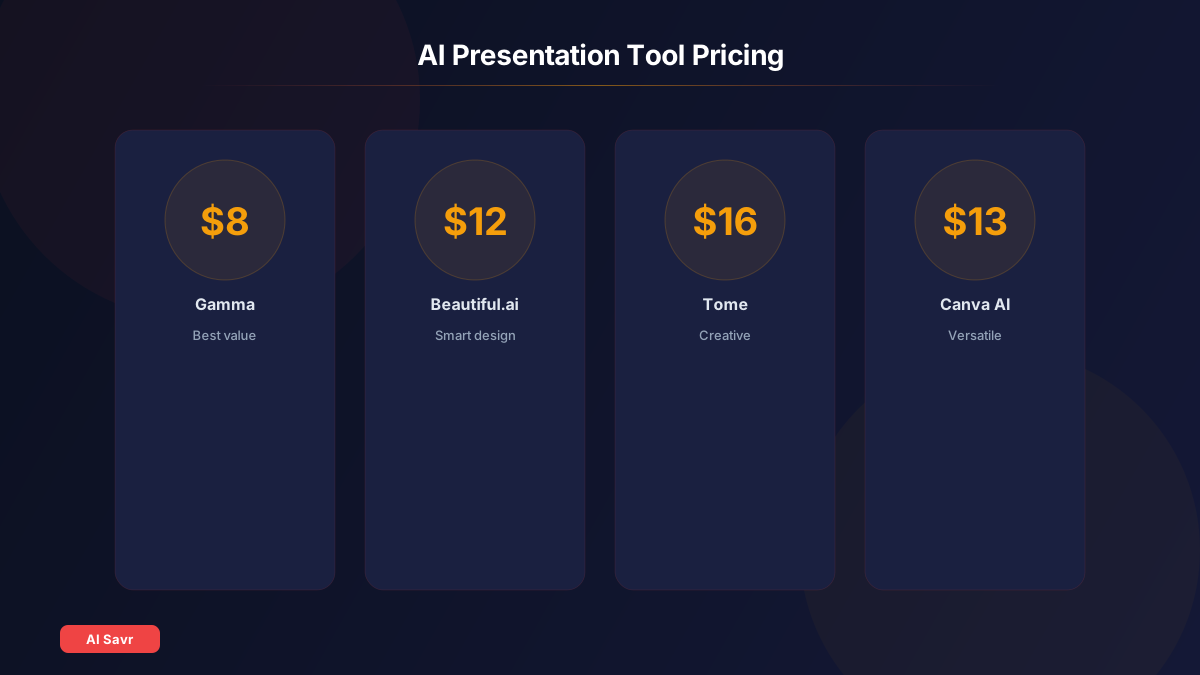
| Tool | Free Tier | Starting Price | Best Value |
|---|---|---|---|
| Gamma | 10 credits | $8/month | Best overall |
| Beautiful.ai | No | $12/month | Best design |
| Tome | Yes | $16/month | Most creative |
| Canva AI | Yes | $13/month | Most versatile |
| Copilot | No | $30/month | Enterprise |
Related Resources
The Bottom Line
AI presentation tools have made slide creation nearly painless. Gamma is the best all-around choice for most people. Beautiful.ai wins on design quality. Canva AI is perfect if your team already uses Canva. The days of spending hours on PowerPoint are over.