The difference between a regular note app and an AI note app is simple: one stores information, the other makes it useful.
AI note apps in 2026 can transcribe meetings in real time, summarize your notes, find connections you missed, and turn raw thoughts into organized action items.
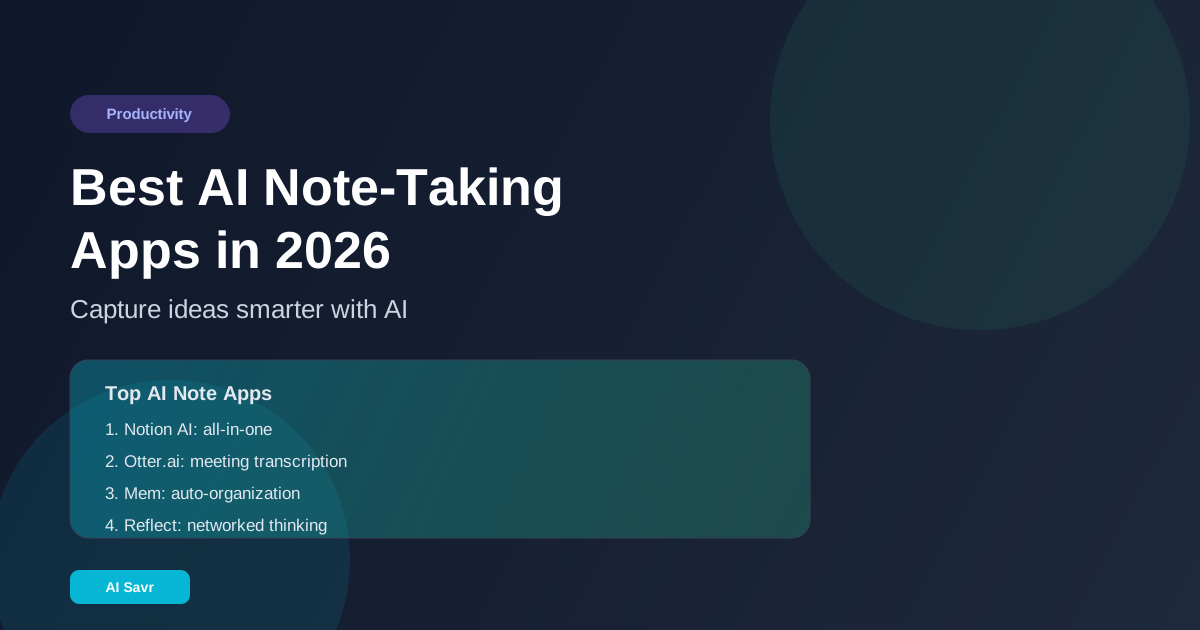
Top AI Note-Taking Apps
1. Notion AI
Notion AI turns your entire workspace into a searchable, intelligent knowledge base. Ask questions about your notes and get instant answers.
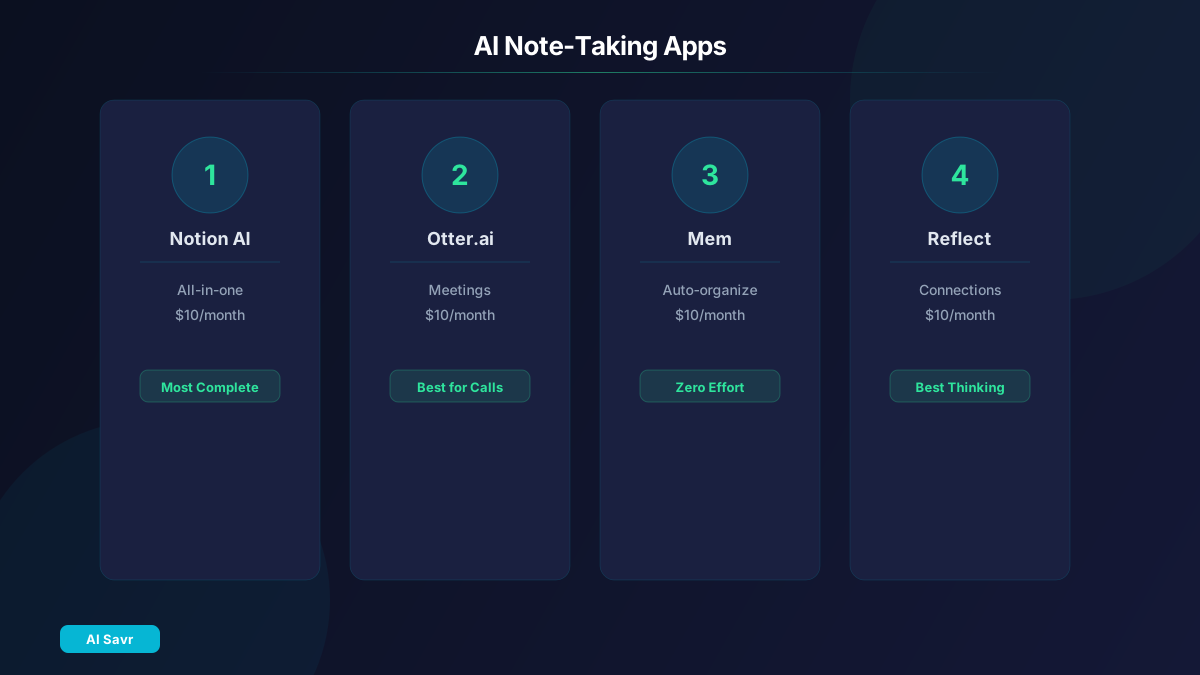
Best for: Teams and individuals who want notes + projects + wiki in one place AI Features: Note summarization, Q&A across workspace, auto-fill database properties, writing assistance Pricing: Free base, AI add-on $10/month
2. Otter.ai
Otter.ai is the leading AI meeting transcription tool. It joins your meetings, records, transcribes, and generates summaries with action items automatically.
Best for: Meeting-heavy professionals, journalists, researchers AI Features: Real-time transcription, speaker identification, auto-summary, action item extraction Pricing: Free tier (300 min/month), Pro $10/month
3. Mem
Mem uses AI to organize your notes automatically without folders or tags. It surfaces relevant notes based on what you are working on.
Best for: Creative professionals who hate organizing AI Features: Auto-organization, related notes surfacing, smart search, meeting summaries Pricing: Free tier, Teams from $10/month
4. Reflect
Reflect combines note-taking with AI to create a networked thinking tool. It builds connections between your ideas automatically.
Best for: Researchers, writers, and knowledge workers AI Features: Backlink suggestions, content generation, transcript summaries, smart search Pricing: $10/month
5. Microsoft Copilot in OneNote
OneNote with Copilot brings AI to Microsoft's note platform. It can summarize pages, generate to-do lists, and answer questions from your notebooks.
Best for: Microsoft 365 users AI Features: Summarization, rewriting, to-do generation, Q&A Pricing: Included with Microsoft 365 Copilot ($30/user/month)
Feature Comparison
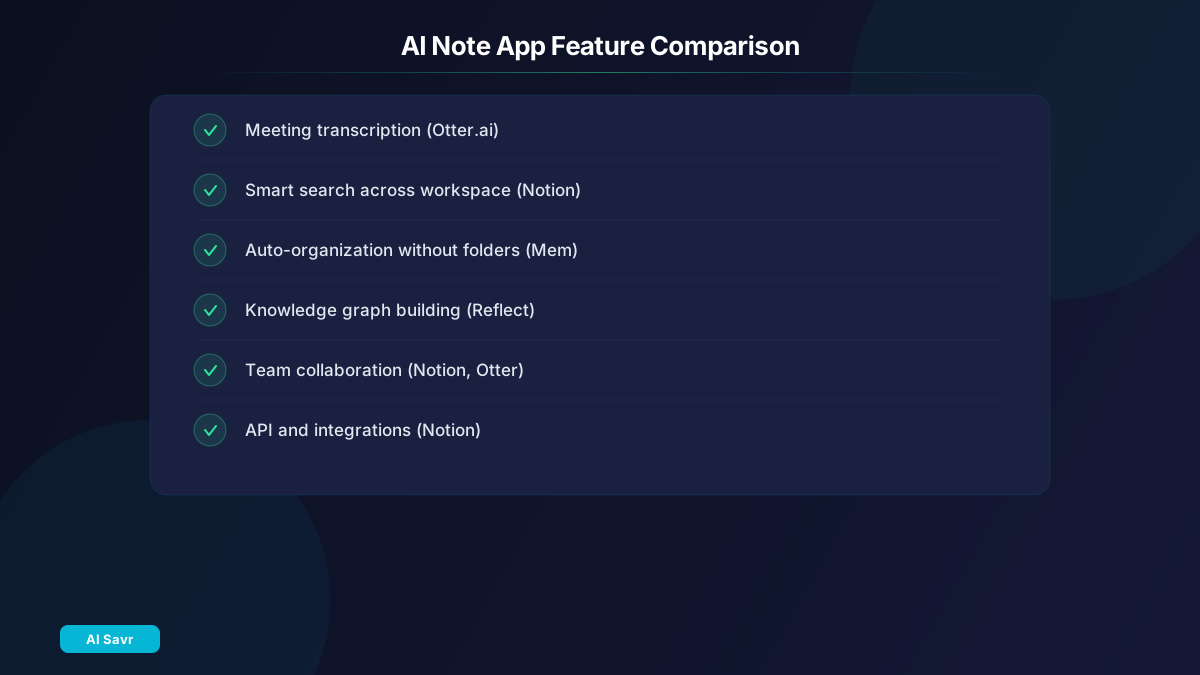
| Feature | Notion AI | Otter.ai | Mem | Reflect |
|---|---|---|---|---|
| Meeting Transcription | No | Yes | Yes | No |
| Smart Search | Yes | Yes | Yes | Yes |
| Auto-Organization | Partial | No | Yes | Yes |
| Team Collaboration | Yes | Yes | Yes | Limited |
| Offline Access | Yes | Limited | Yes | Yes |
| API/Integrations | Extensive | Good | Limited | Limited |
How to Choose

- If meetings are your main pain point: Otter.ai is the clear winner
- If you want an all-in-one workspace: Notion AI is unmatched
- If you hate organizing: Mem handles structure automatically
- If you think in connections: Reflect builds your knowledge graph
- If you are in the Microsoft ecosystem: OneNote with Copilot fits naturally
Power User Tips
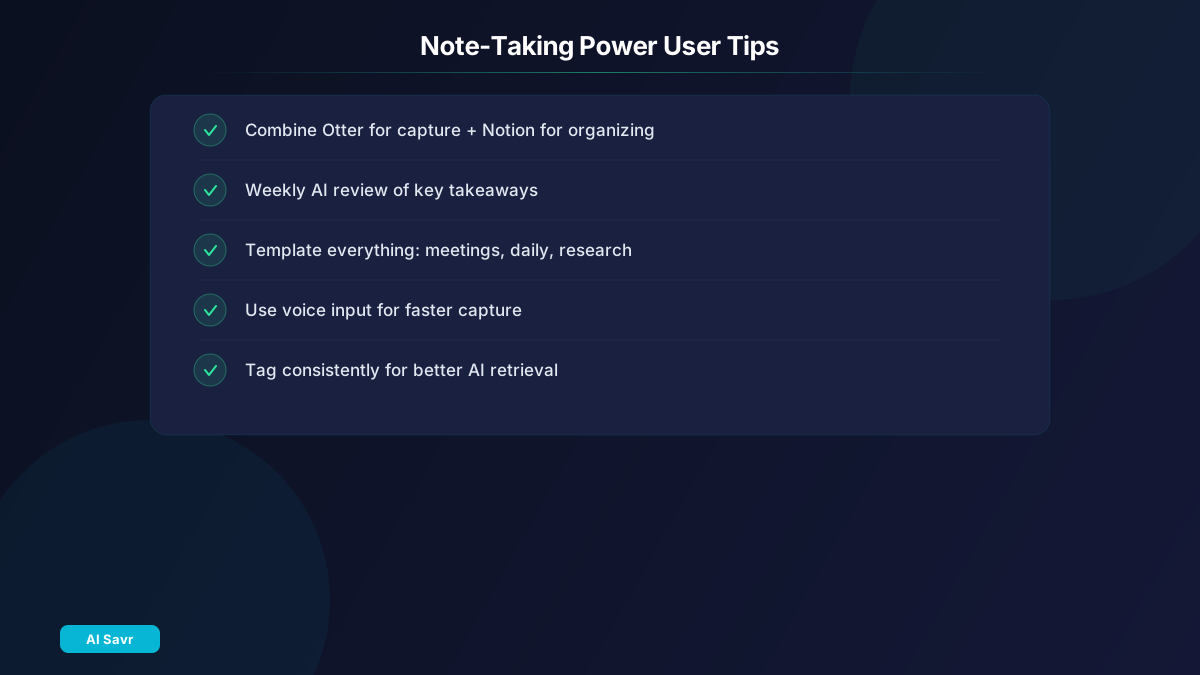
- Combine tools: Use Otter.ai for meeting capture, then send summaries to Notion AI for project tracking
- Weekly AI review: Ask your note app to summarize the week's key takeaways
- Template everything: Create templates for meetings, daily notes, and research sessions
- Use voice input: Most modern note apps support voice-to-text, which is faster than typing
- Tag consistently: Even with AI, a basic tagging system helps retrieval accuracy
Related Resources
The Bottom Line
The best AI note-taking app depends on your primary workflow. For meetings, choose Otter.ai. For knowledge management, choose Notion AI. For effortless organization, choose Mem. The common thread: AI should make your notes work harder so you do not have to.