AI video generation jumped from "cool demo" to "actually usable" in 2026. Multiple tools now produce high-quality, realistic video clips from text descriptions, and each has different strengths.
This comparison covers the five best AI video generators available right now, what makes each one unique, and which one fits your use case.
The Big Five in AI Video
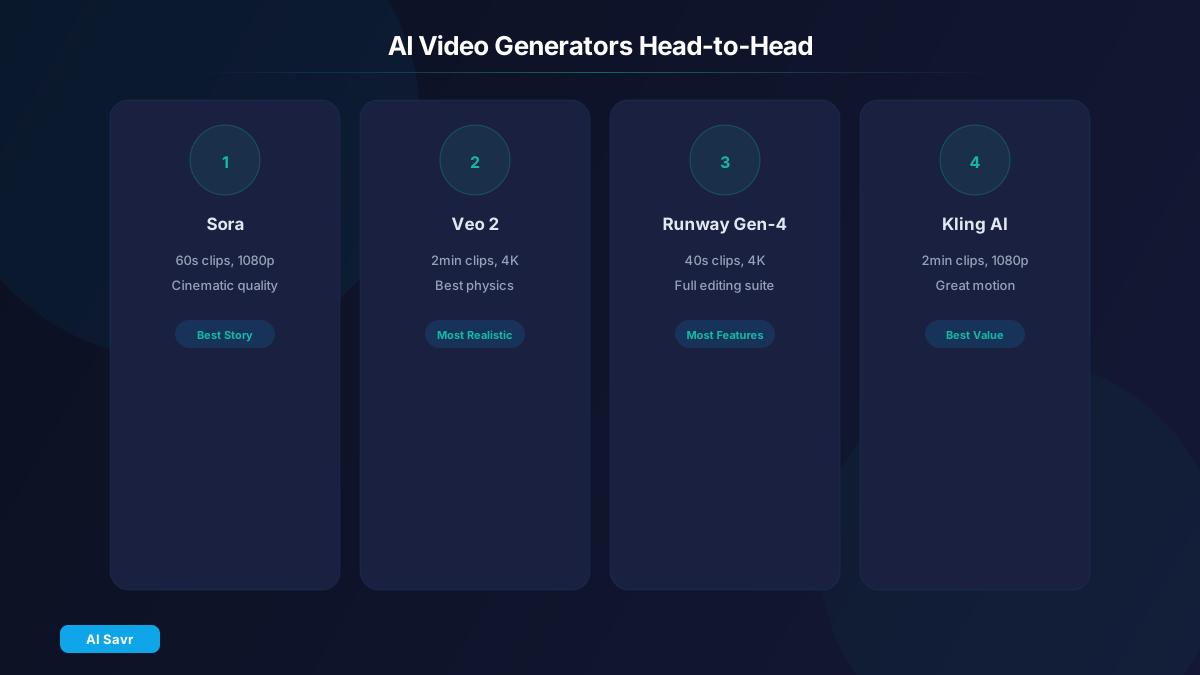
1. OpenAI Sora
Sora is OpenAI's video generation model with strong physics understanding and cinematic quality. It produces realistic motion, accurate reflections, and consistent character design.
Max length: 60 seconds Resolution: Up to 1080p Best for: Cinematic storytelling and concept visualization Pricing: Included with ChatGPT Plus ($20/mo, limited) and Pro ($200/mo, unlimited)
2. Google Veo 2
Google Veo 2 leads in realism and physics simulation. It generates up to 2 minutes of 4K video with advanced camera controls.
Max length: 2 minutes Resolution: Up to 4K Best for: Realistic footage and product visualizations Pricing: Free tier in VideoFX. Google One AI Premium ($20/mo) for full access.
3. Runway Gen-4
Runway Gen-4 pioneered AI video editing and remains the most full-featured platform. It combines text-to-video with image-to-video, video-to-video, and comprehensive editing tools.
Max length: 40 seconds Resolution: Up to 4K Best for: Creative professionals and video editors Pricing: From $15/month
4. Kling AI
Kling AI from Kuaishou is surprisingly strong, producing long clips with good motion quality. It excels at action sequences and character animation.
Max length: 2 minutes Resolution: Up to 1080p Best for: Action content and character-driven videos Pricing: Free tier available. Pro from $8/month.
5. Pika 2.0
Pika 2.0 focuses on quick, stylized video creation. It is the easiest to use and produces results in seconds.
Max length: 15 seconds Resolution: Up to 1080p Best for: Quick social media clips and animated content Pricing: Free tier. Pro from $10/month.
Side-by-Side Comparison
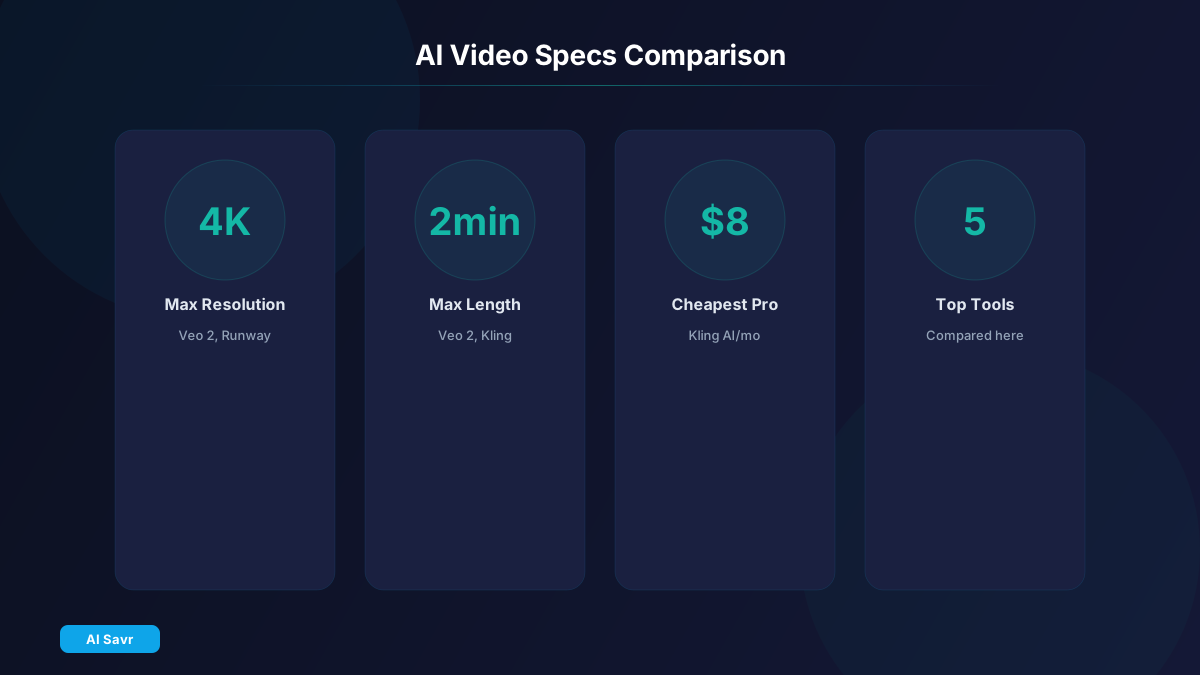
| Feature | Sora | Veo 2 | Runway Gen-4 | Kling AI | Pika 2.0 |
|---|---|---|---|---|---|
| Max Length | 60s | 2 min | 40s | 2 min | 15s |
| Max Resolution | 1080p | 4K | 4K | 1080p | 1080p |
| Physics Quality | Excellent | Best | Great | Good | Good |
| Speed | Slow | Slow | Medium | Medium | Fast |
| Camera Controls | Basic | Advanced | Advanced | Basic | Basic |
| Free Tier | Limited | Yes | No | Yes | Yes |
| Best For | Cinematics | Realism | Editing | Action | Quick clips |
Quality Comparison
Best realism: Google Veo 2 leads for photorealistic footage. Faces, reflections, and physics look the most natural.
Best creativity: Runway Gen-4 offers the most creative control with style references, camera movements, and editing tools.
Best value: Kling AI delivers impressive quality at $8/month, making it the best budget option.
Best accessibility: Pika 2.0 is the easiest to use. No learning curve, results in seconds.
Best overall: It depends on your needs. Veo 2 for realism, Runway for professionals, Kling for budget, Sora for narrative content.
Real-World Use Cases
Marketing videos: Runway Gen-4 or Canva AI Video for ads, product demos, and social content.
YouTube content: Kling AI or Sora for B-roll, intros, and visual effects.
Corporate presentations: Google Veo 2 for professional, polished clips.
Social media: Pika 2.0 for quick, eye-catching clips that stop the scroll.
Film and creative projects: Sora or Runway Gen-4 for concept visualization and storyboarding.
Tips for Better AI Video
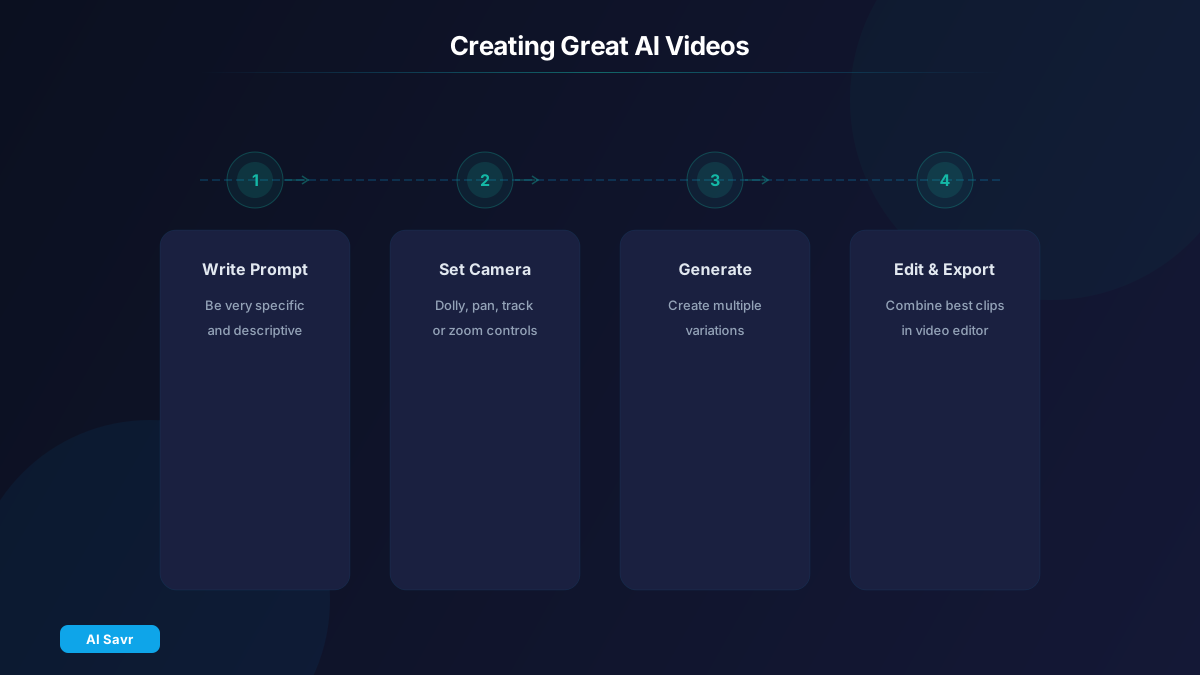
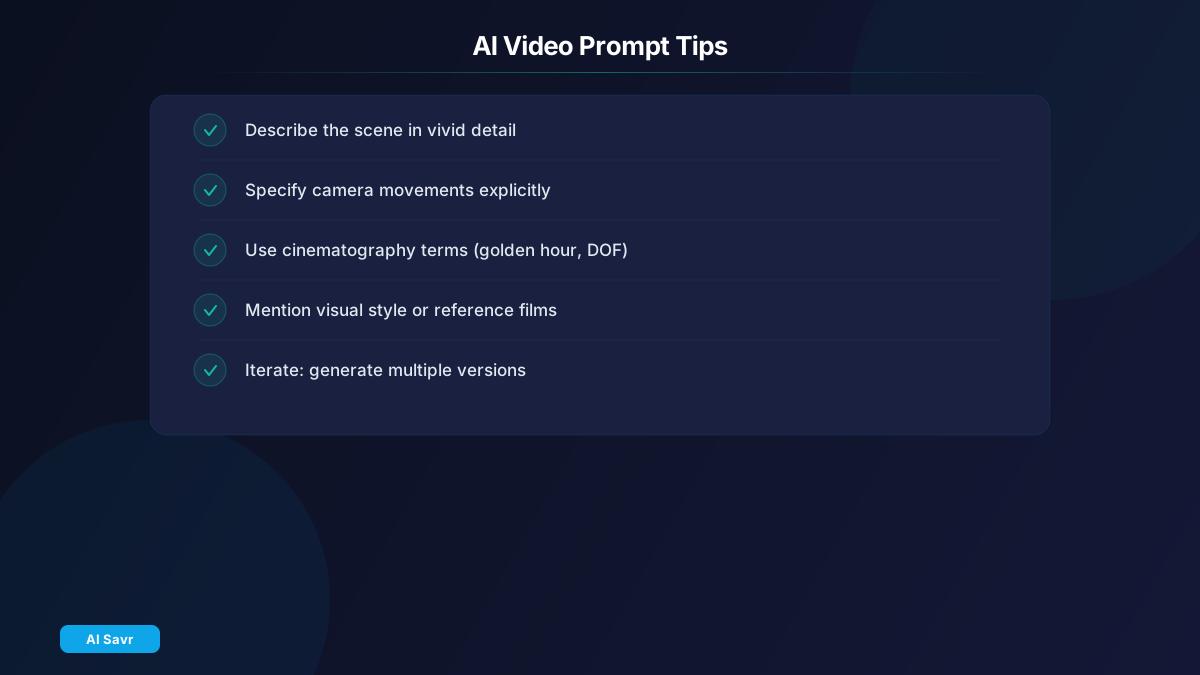
- Be specific in your prompts. Instead of "a person walking," try "a woman in a red jacket walking through a snowy Tokyo street at night, neon lights reflecting on wet pavement."
- Specify camera movements. "Slow dolly-in" or "tracking shot following the subject" gives much better results than leaving it to the AI.
- Reference real cinematography. Terms like "golden hour lighting," "shallow depth of field," and "anamorphic lens" help the AI understand your vision.
- Iterate and combine. Generate multiple versions and use a video editor to combine the best clips.
- Know the limitations. Text in videos, specific hand movements, and precise lip sync are still challenging for all models.
What Is Coming Next
The pace of improvement is stunning. By end of 2026, expect:
- 5-minute video generation as standard
- Real-time video generation (near-instant)
- Better text and watermark-free output
- Multi-scene narrative generation from scripts
- Voice and music synchronization built in
The Bottom Line
AI video generation is no longer experimental. These five tools can produce footage that would have cost thousands of dollars in production a year ago. Start with the free tiers, test with your specific use case, and upgrade when you find your fit.
Explore all AI video tools on AI Savr.